
Let's Bring Your App To Life
Great ideas deserve a plan you can actually follow.

Dear Jordan,
thank you for asking Plumline to look at your app idea.
You described a small product families could open when they want a sunny day out. The useful part is simple: show the nearest place that is actually bright, then make the rest of the app support that one job.
You have been shaping this for a long time, including an earlier attempt with freelance help that never reached a store. That history is useful. It tells us which screens matter and which ones can wait.
Shipping focused mobile products is the work this studio does every week.
Overview
Your App
Features Overview
The product should answer one question first: where is the nearest good weather right now? Accounts, maps, and the first-run tour exist to support that answer, not to compete with it.

Development
A first release needs a short list of working pieces. If the sample figures below are acceptable, the next step is a tighter specification, not a longer wishlist.
- 1 — Create an account
- 2 — Sign in
- 3 — First-run tour
- 4 — Location, with permission
- 5 — Map of nearby places
- 6 — Open the choice in the device maps app
The Process and Timescales
From the first workshop to a store submission, this sample plan runs about twelve weeks.
The weeks below are the working sequence.
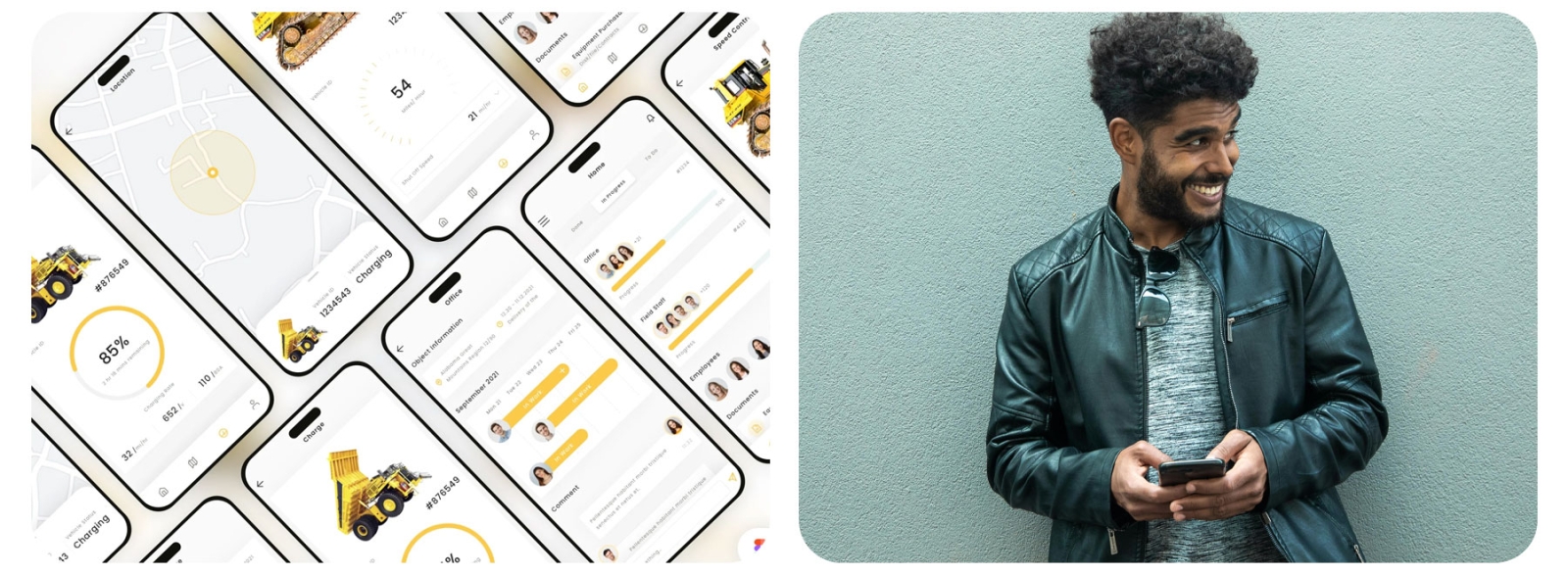
Week 1 — Detail the specification
We already know the rough job. This week is a working session that turns it into decisions: screens, data, and what is explicitly out of scope.
Week 2 — Design and flow
Wireframes come before colour. They let both sides argue about order and labels while the drawings are still cheap to change.
Week 3 — Store registration
Accounts, listings, and review notes are opened by this point so a later submission is not waiting on paperwork.
Weeks 4–9 — Build
With the spec and the screens agreed, the studio builds against that list. Questions still happen. They should be about the agreed product, not a new one.
Week 10 — Testing
We check the obvious paths and then hand the build to people who did not design it. A first release rarely gets a second chance from a stranger.
Week 11 — Store submission
When you are happy with the build, we prepare screenshots and the listing copy and send it to the store you chose. Review notes come back to you in plain language.
Illustrative example
A field team that stopped losing notes
What they needed
This is a sample story, not a client claim. A software firm already had a desk system. Their sales people still forgot details between the meeting and the office.
What we proposed
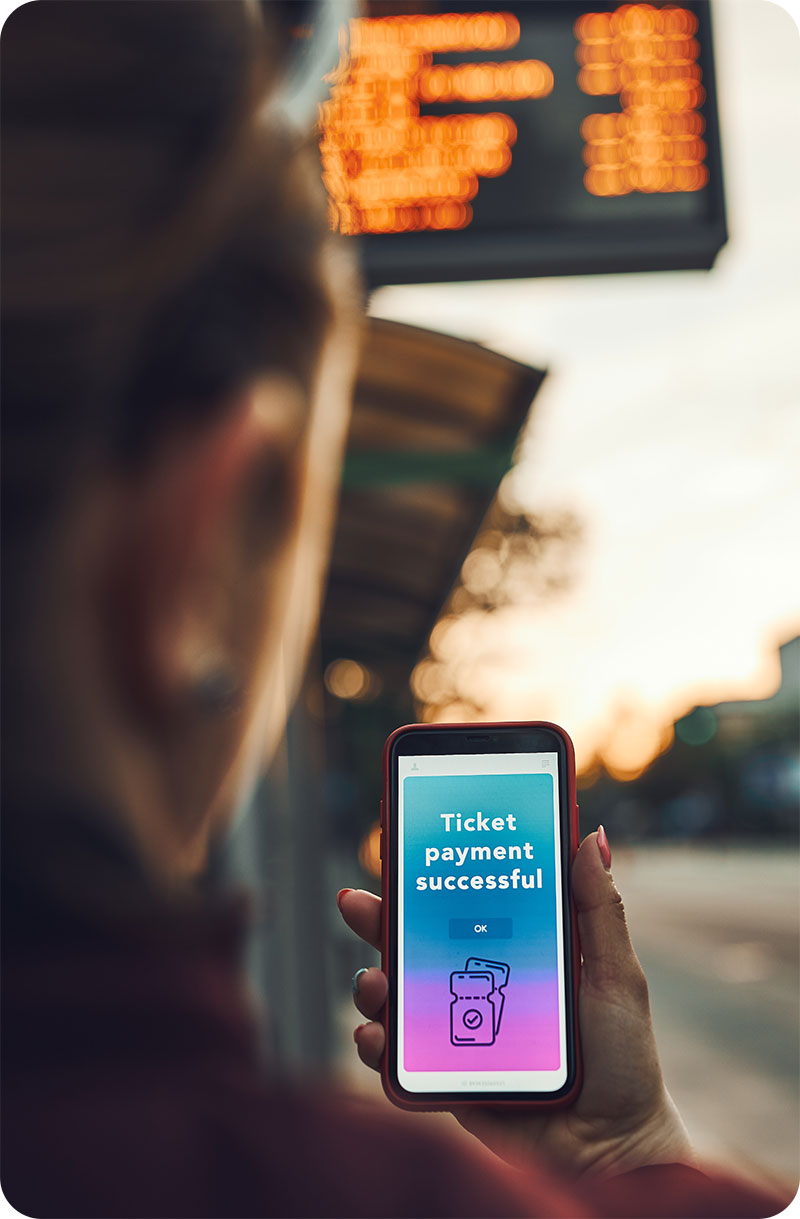
Talk to the people who would actually carry the phone. Keep only the fields they use between visits. Leave the rest on the desk system.
What the sample result shows
In the example, a usable version took about twelve weeks. Notes were written while the conversation was still fresh, and the team stopped rebuilding the same recap at the end of the day.

ABC Software had this to say
“The sample team treated the phone as part of the working day, not as another login to avoid.”
Sample attribution · Managing DirectorIllustrative quotation for this layout. Not a verified testimonial.
Your Investment

Pricing made simple
Sample schedule for this walkthrough. It is not an invoice.
- 50% when you accept this proposal
- 40% when the specification is agreed
- 10% when the build is submitted to the store