Free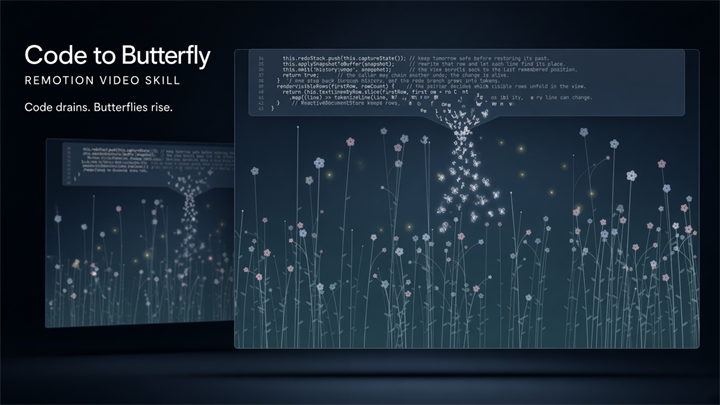
Directs cinematic brand mood films and looping hero backgrounds — locks a colour palette, lens and lighting language across every shot prompt so a set of AI clips feels like one film, not five stock videos.


 v1.0 · 2026-11-23
Before you choose this pack
Recorded examples: cover.png · INSTALL.md · preview.mp4 · sample-palette.md. The inventory identifies files; inspect their instructions for actual behavior.
Confirm commercial-use rights and refund conditions. For an example of a reviewable handover, see the interface repair case study.
A mood film is the video that plays behind your homepage hero or opens your launch post. Its job is feeling, not information. This skill directs one the way a cinematographer would: it locks a palette (three hex values), a lens language and a lighting rule first, then writes shot prompts that all obey the lock — so clips from Veo, Kling or Runway cut together as one film, with a planned loop point for backgrounds that must play forever.
The preview animatic on this page is this skill's storyboard for Halmiva's Christmas collection — palette-locked to burgundy, antique gold and cream.
Install Brand Mood Film (brand-mood-film) with the CLI, or download the zip and place it by hand.
Install with AI
Recommended. Authorizes this machine, then writes Brand Mood Film into your agent skills folders.
npx skillux loginOpens the browser to authorize this machine.
npx skillux add brand-mood-filmWrites the pack into your agent skills folders.
npx skillux updatePulls newer versions for packs you already installed.
Copy all three
npx skillux login
npx skillux add brand-mood-film
npx skillux updateUse npx skillux add brand-mood-film -p to install into the current project only. Credentials live in ~/.skillux/credentials.json.
No reviews yet. If you have used this pack, sign in below and be the first to share how it worked — every review here comes from a real Skillux account.
Sign in to rate it and share how it worked for you. Reviews are tied to accounts, so what you see here always comes from real users.
Sign in to reviewSame site type first, then other packs from this author and the wider catalog.
By Maya Ellis
A product in, a founder-story script out: problem, turn, build, proof, belief, CTA — the story of what was made and why, written only from facts you can verify, never from an invented biography.
By Sam Rivera
A long video topic in, a beat-mapped 8–12 minute script out: hook, promise, setup, build, proof, CTA — each beat timed, each transition written, so the edit has a map before a single minute is shot.