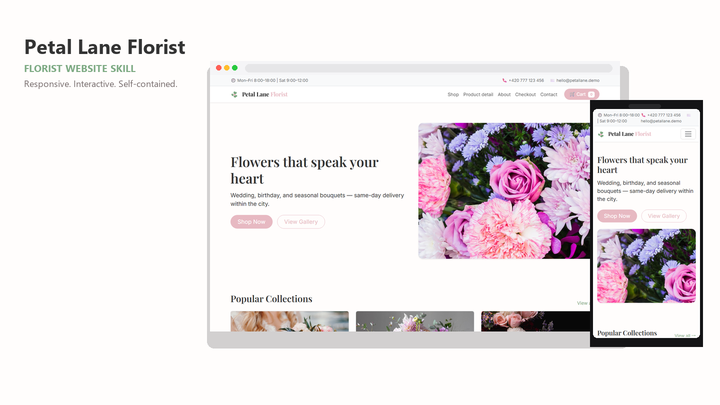
Web Design Petal Lane Florist
By Sam Rivera
Web Design Petal Lane Florist draft pack.
CartClaude · Cursor · Codex
$4.99471 downloads
Design context inside your project
Bring design direction into the codebase where you work. Use a Cursor-compatible skill to guide component changes, align page layouts, and carry visual decisions through an existing project.
Last updated 2026-11-07
From the live Skillux catalog
262 matching skills. Check each listing for its contents and license.
By Sam Rivera
Web Design Petal Lane Florist draft pack.
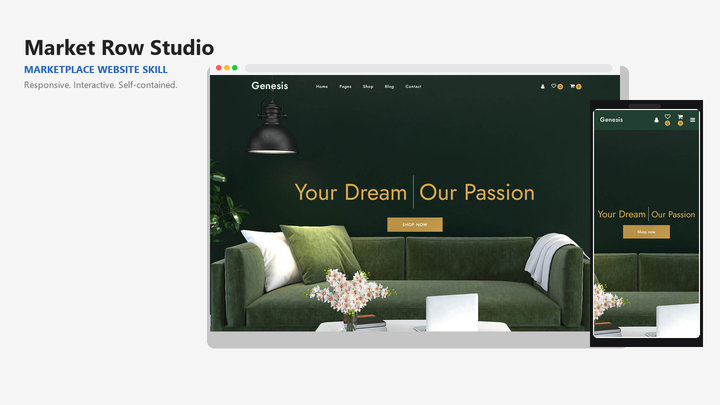
By Sam Rivera
Web Design Market Row Studio draft pack.
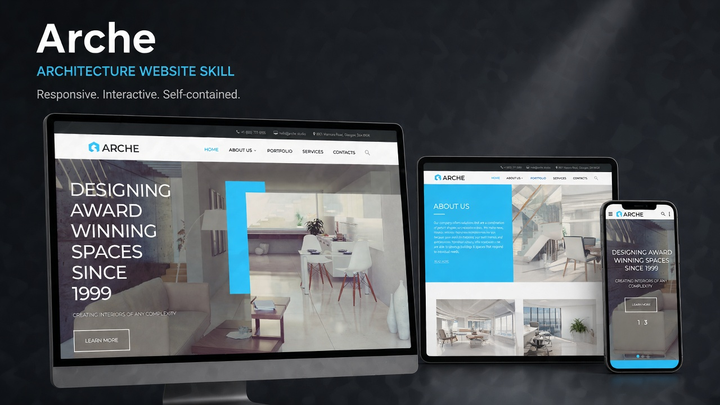
By Jordan Blake
Web Design Arche draft pack.
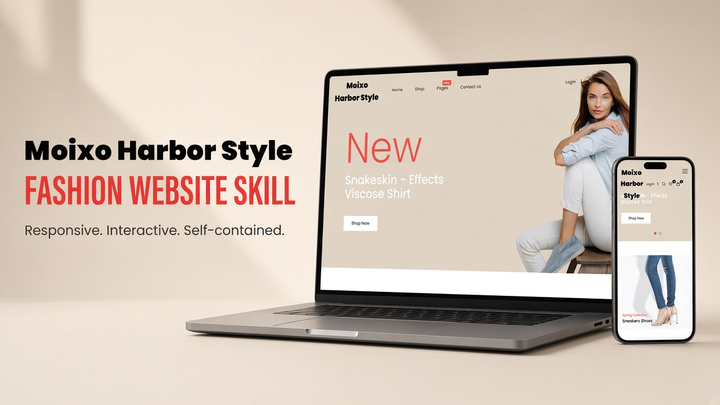
By Sam Rivera
Web Design Moixo Harbor Style draft pack.

By Maya Ellis
Web Design Skylink website-generation skill pack.
By Sam Rivera
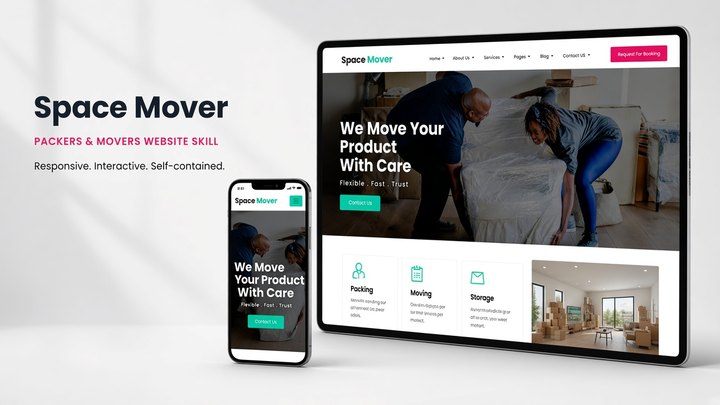
Web Design Spacemover draft pack.
Put the skill to work
Point Cursor to the components and styles already used in your project. Ask it to identify what can be reused before introducing another button, field, or spacing value.
For a Cursor landing page task, compare the pack preview with the sections you actually need. Bring your own headline, images, and primary action. Ask Cursor to map the design onto existing components, preserve routing and analytics, and identify any forms that still require a backend.
Start with a settings screen, product page, or navigation panel. Give the agent a concrete task and a compatible design skill, then inspect the diff and rendered result before extending the change.
Specify which content must remain visible on a narrow screen. Review long labels, wrapped navigation, form errors, and focus indicators rather than checking only the desktop screenshot.
Compare the supported framework and previews in each listing. A strong visual match is useful, but the pack should also fit the components and files you intend to edit.
Use the Cursor installation instructions linked here. Keep SKILL.md and the pack's templates together, then open the project and start a new Agent chat.
Tell the agent which screen to edit and which existing components to preserve. Ask it to apply the skill, then check the code changes and the actual page together.
Yes, choose a compatible pack and describe the existing framework, components, and design constraints in your request. Review each change to ensure the generated implementation fits your project.
Check the rendered page on a phone-sized viewport and desktop. Test the navigation, long headings, primary action, keyboard focus, and form feedback. Compare the changes with your existing components and confirm that any template assets have suitable usage rights.
A skill provides instructions and may include templates or example code. It does not automatically replace your component library. Tell the agent which components and tokens it should reuse.