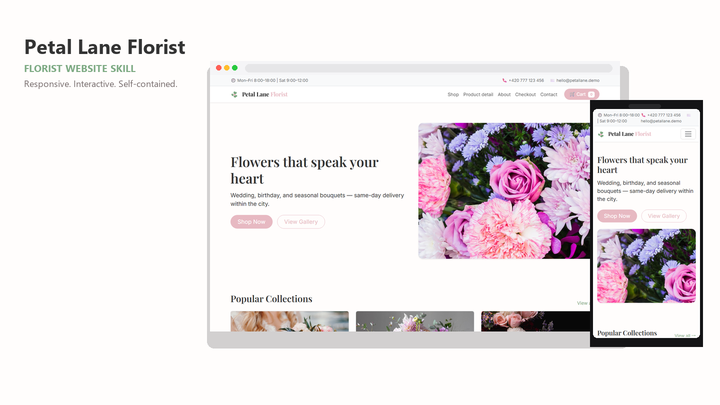
Web Design Petal Lane Florist
By Sam Rivera
Web Design Petal Lane Florist draft pack.
CartClaude · Cursor · Codex
$4.99471 downloads
Design judgment for the front end
Frontend work is where AI output most often looks generic: default spacing, interchangeable cards, and type with no hierarchy. A frontend design skill gives your agent a concrete visual system to build against, so screens come out deliberate instead of averaged.
Last updated 2026-11-07
From the live Skillux catalog
231 matching skills. Check each listing for its contents and license.
By Sam Rivera
Web Design Petal Lane Florist draft pack.
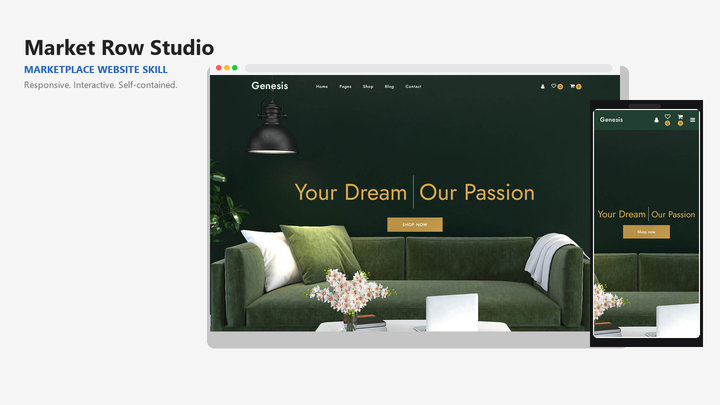
By Sam Rivera
Web Design Market Row Studio draft pack.
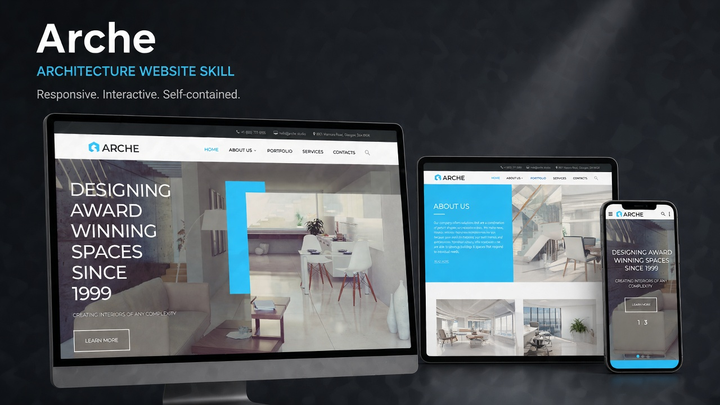
By Jordan Blake
Web Design Arche draft pack.
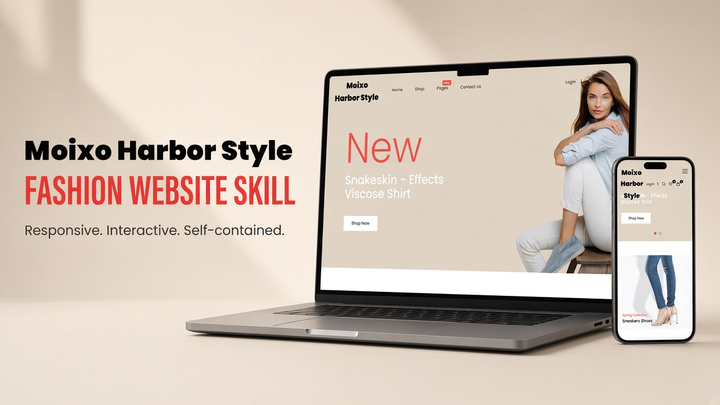
By Sam Rivera
Web Design Moixo Harbor Style draft pack.

By Maya Ellis
Web Design Skylink website-generation skill pack.
By Sam Rivera
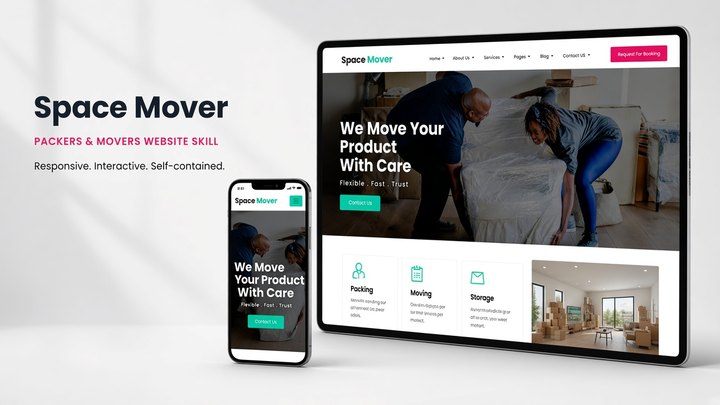
Web Design Spacemover draft pack.
Put the skill to work
Generic output comes from undecided briefs. A frontend pack fixes the choices agents otherwise improvise: heading sizes, spacing steps, color roles, and how components behave in each state.
Most Skillux packs include a runnable sample site or preview. Open it and look at hierarchy, density, and how the design handles long content — that is closer to what your agent will produce than the cover image.
If generated screens still look templated, the Skillux guide on how to fix generic AI-generated UI design shows how to diagnose whether the problem is content, hierarchy, or surface styling before you change tools or packs.
Ask for loading, empty, error, and focus states in the brief. Frontend quality shows up in these moments more than in the ideal screenshot, and a good pack defines patterns for each of them.
Browse the selection below and open the listings that match your interface type. Check whether the pack ships starter code, tokens, or instructions only, and confirm your agent is supported.
Use the installation guide for Claude, Cursor, or Codex. Keep the pack's files together so the agent can reference its templates and tokens while it works.
Start with a single representative screen and your real content. Review typography, spacing, and states in the rendered page, then extend the same pack to the next screen.
A UI kit ships components to copy into a project. A frontend design skill ships instructions, design decisions, and often example code that teach your agent how to build interfaces in a consistent style, including screens the kit never anticipated.
Check the stack and file list on each listing. Many packs are framework-agnostic guidance or static starters that an agent adapts to React, Next.js, or plain HTML; others target a specific stack. The listing states what is included.
It helps by replacing default choices with a defined system, but the brief still matters: supply real content, name the audience and primary action, and review the result. A pack plus a vague brief still produces vague output.