Not another invoicing SaaS
This free invoice generator runs as an AI skill inside Claude, Cursor, or Codex and leaves a reviewable HTML file in your project — not another hosted billing editor.
Skill spotlight / Free invoice generator
A free invoice generator by AI skill for Claude, Cursor, and Codex. Turn seller, buyer, and line items into a professional self-contained tax invoice you can print or save as PDF. Industry fields and country tax labels adapt automatically — GST, VAT, HST, and more.
50+ industry directions · 20+ country tax profilesDownload: https://skillux.dev/skills/invoice. For freelancers, studios, and service businesses. Document aid only — not tax, legal, or statutory e-invoice advice.
Why this skill
Search for a free invoice generator and you usually get SaaS editors or static PDFs. This AI skill keeps the work in Claude, Cursor, or Codex and hands you a reviewable HTML invoice for the engagement.
This free invoice generator runs as an AI skill inside Claude, Cursor, or Codex and leaves a reviewable HTML file in your project — not another hosted billing editor.
Industry and country catalogs carry field rules, tax labels, and layout defaults so you are not reconstructing GST or VAT presentation from scratch each time.
You get a printable HTML invoice you can edit, version, and regenerate — with sample or real data clearly labelled — rather than a static fillable PDF alone.
A core capability / Profiles, not guesswork
Pick an industry for field cues and a country for currency, identifiers, and tax wording. When more than one option fits, the skill asks — it does not silently invent ABN, VAT, GSTIN, or rates.
Plus sole trader, contractor, rent, travel, teaching, and dozens more — or describe “Other.”
Variants such as AU GST vs no GST, or UK VAT vs no VAT, are confirmed before generation.
More than a blank letterhead
Invoice combines intake questions, industry and country catalogs, tax-and-discount parameters, and a clean letter layout so the numbers stay coherent from line items to balance due.
Match line columns and metadata to the work being billed — hours, vehicle details, project refs, membership periods, and more — without inventing clinical or legal content.
Apply GST, VAT, HST, SST, and related labels with the right currency, date format, and seller identifiers. Confirm rates and registration status; never invent tax IDs.
Named tax rates, per-line tax flags, and percentage or fixed discounts before or after tax. Totals show the rate in the label so the arithmetic stays reviewable.
One invoice.html with inline CSS. Open in the browser and Print → PDF. No CDN fonts, payment gateways, or hosted SaaS required for the document itself.
When industry, country, tax variant, discount timing, or amounts are ambiguous, the skill stops and asks. Incomplete briefs become a marked DRAFT with questions.md.
The file formats a commercial invoice. It does not replace official e-invoicing channels such as Chinese fapiao issuance, India IRN, or Peppol.
Inside the output
Harbour Digital → Coastal Retail Co. A fictional Australian GST tax invoice from the skill's bundled sample — GST 10%, 5% pre-tax discount, Tax column, and Total with GST. Businesses and amounts are illustrative.
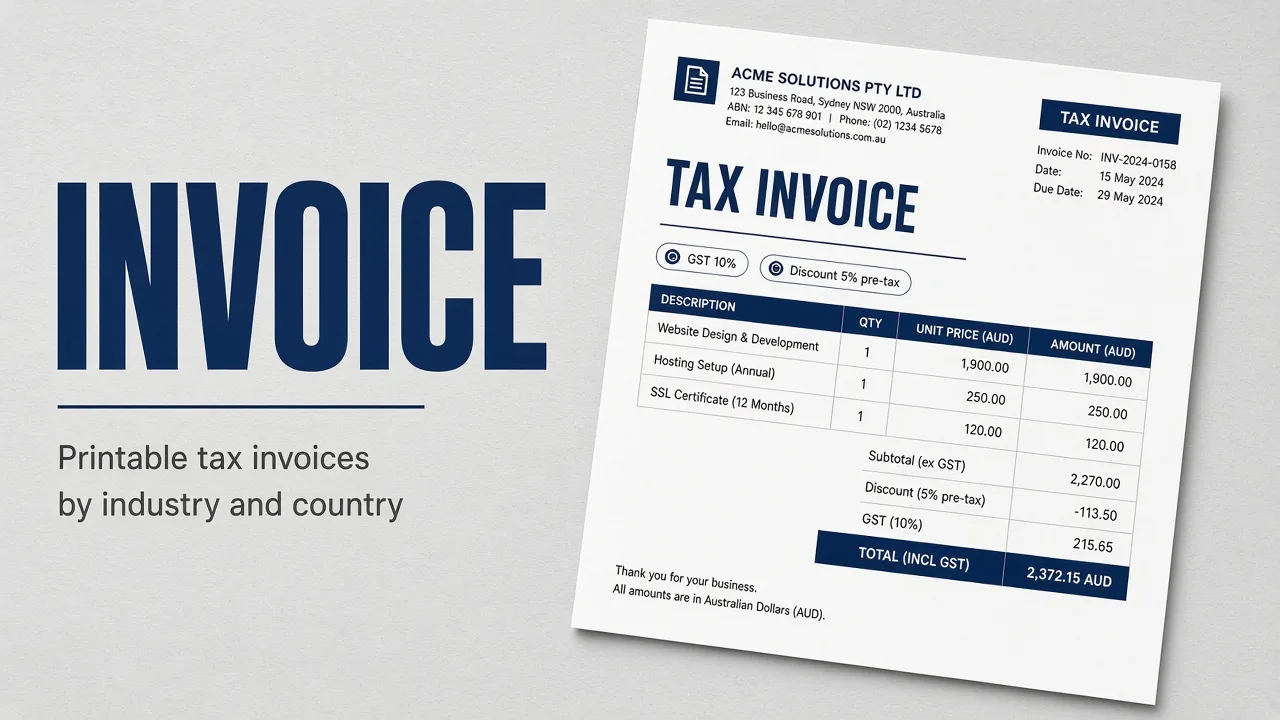
Marketplace cover for the Invoice skill: printable tax invoices tailored by industry and country.
Open full-size image ↗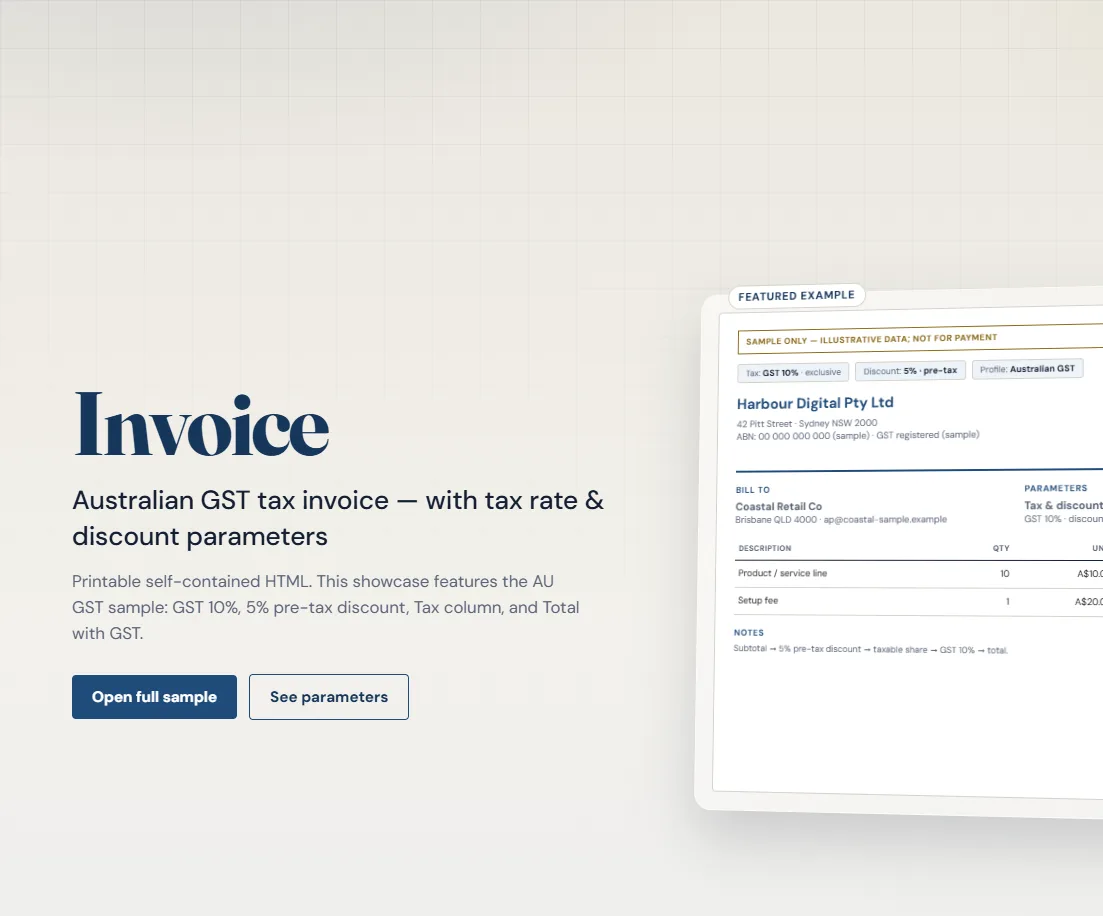
Featured AU GST example with exclusive tax mode, pre-tax discount chips, and a printable document preview.
Open full-size image ↗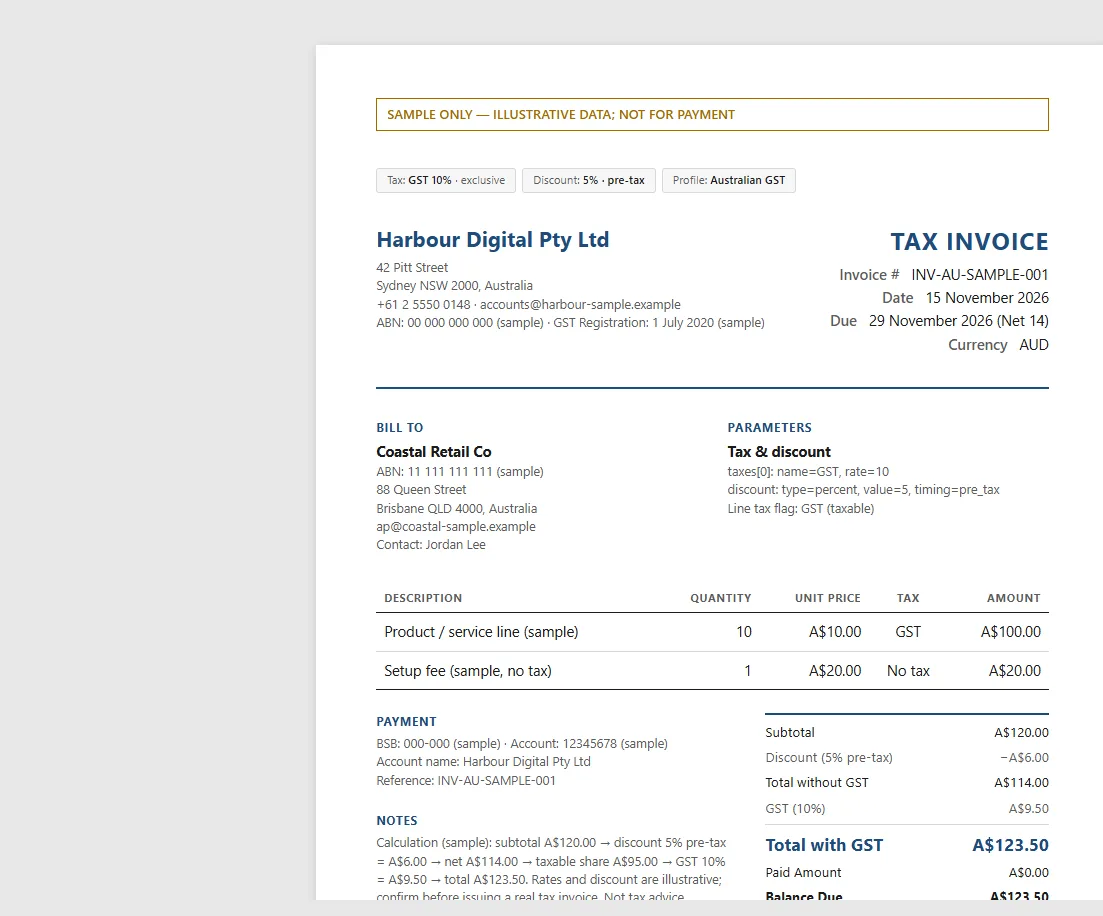
Self-contained tax invoice with line Tax column, Total without GST / GST / Total with GST, and balance due.
Open full-size image ↗Put it to work
Find the pack in the library and check its supported tools, files, and license. Keep SKILL.md, references, and assets together.
Confirm the trade, tax variant, currency, document type, tax rate, and any discount. Answer follow-ups or request a marked SAMPLE / DRAFT.
Check arithmetic, identifiers, print layout at A4 or Letter, and open questions. Arrange suitable tax or legal review for real engagements.
Before you start
It is an AI skill pack you install in Claude, Cursor, or Codex. Instead of filling a hosted SaaS form, you brief your agent and it generates a printable self-contained invoice.html you can open, edit, and Print → PDF.
A printable self-contained invoice.html adapted to the chosen industry and country tax profile. Optional questions.md lists anything still open. You can Print → PDF from the browser.
Profiles cover Australian GST, UK VAT, NZ GST, Canadian HST/GST, EU VAT, India GST, Singapore GST, UAE VAT, USA sales tax (ask state), China fapiao-style notes, and more. Rates and registration status are confirmed with you — catalog defaults are suggestions, not tax advice.
You confirm tax name and rate, whether prices are tax-exclusive or inclusive, and whether any discount is percentage or fixed and applied before or after tax. Line items can flag a tax or no tax.
No. Those products host invoicing, payments, and often e-invoicing. Invoice is a free invoice generator AI skill: it generates a local HTML document inside your agent workflow. It does not send invoices, collect payment, or issue statutory e-invoices.
Yes, once you supply it. The skill never invents tax IDs, bank details, or unconfirmed rates. Request a demo to get illustrative SAMPLE data clearly marked as not for payment.
No. China fapiao-style and similar profiles help format commercial documents. Official statutory channels remain separate; the skill says so when those systems are required.
Your next billable moment