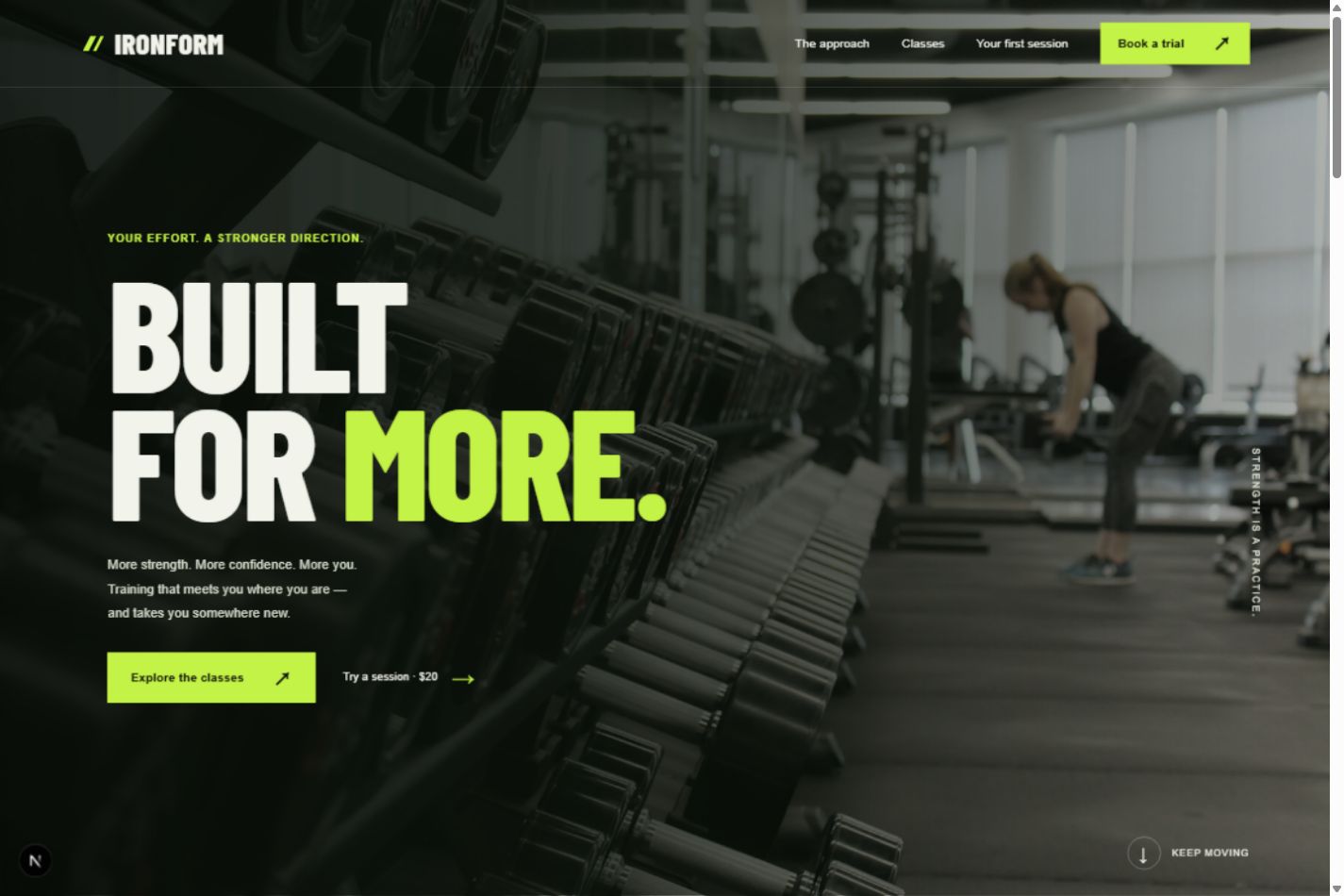
Your frontend. Your admin.
Choose both experiences, with separate layouts and an admin login. Customer accounts and administrator permissions stay separate.
Web Builder / Full AI workflow
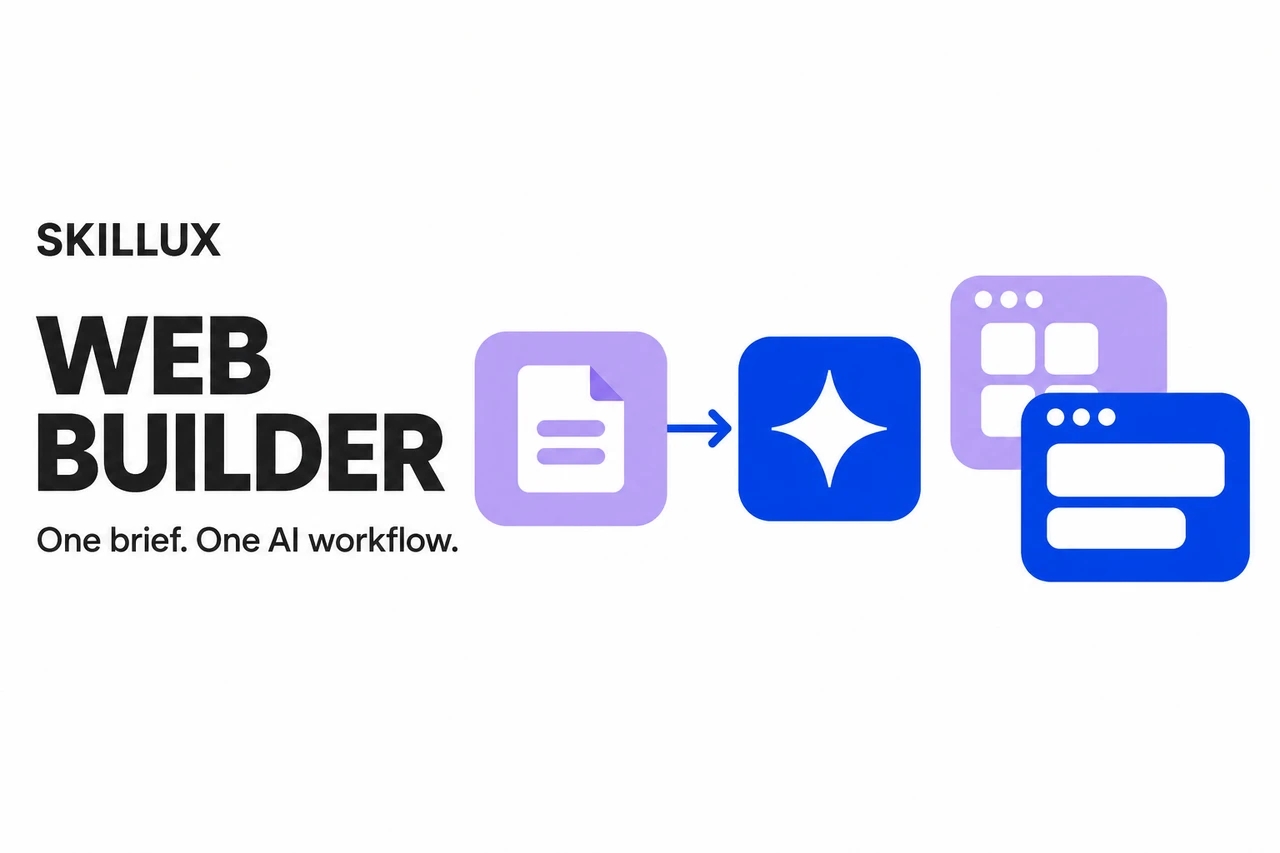
One brief. One seamless AI workflow. Web Builder puts your coding agent to work on requirements, template discovery, frontend and admin implementation, and verification. Choose your design. Let AI carry the build forward.
For Claude, Cursor & Codex. Sign in with Skillux to download. View skill & access details ↗ Template access is checked separately.
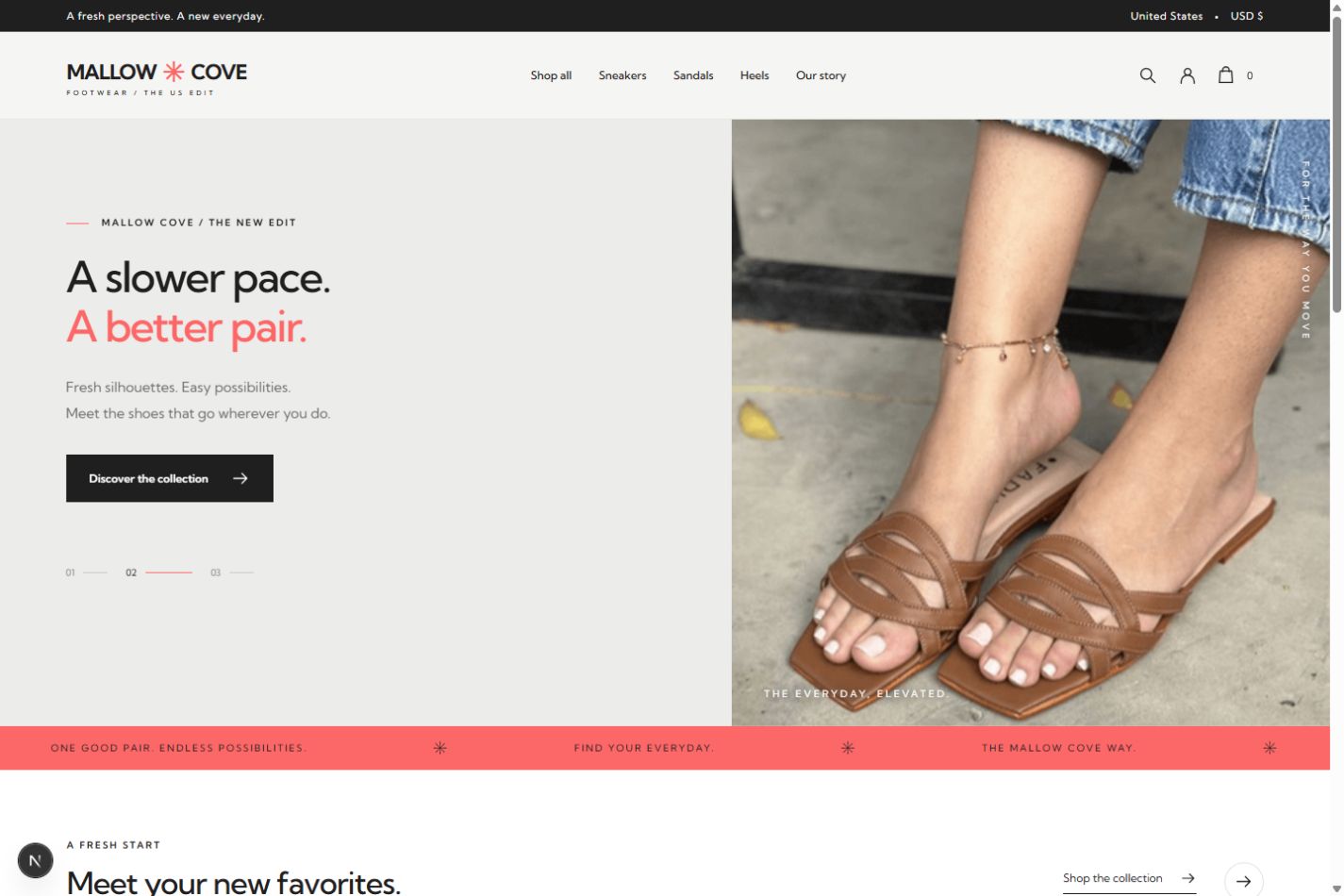
Built with Web Builder
Mallow CoveFootwear storefront
AI does the heavy lifting
Keep requirements, design, implementation, and verification in one continuous AI workflow. Make the business decisions; let your agent handle the technical work and track what remains.
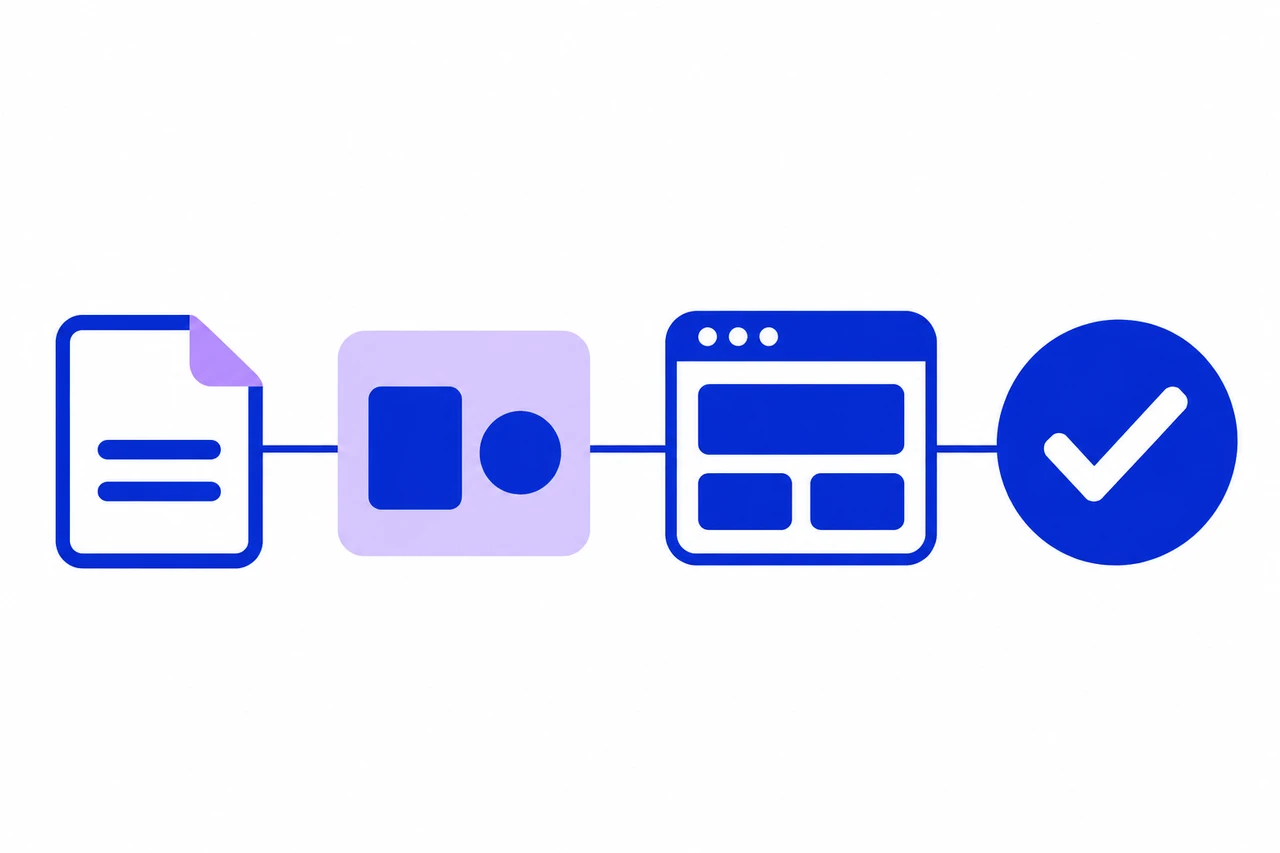
Your agent turns the brief into a plan, finds suitable templates, implements the chosen design, and verifies the result.
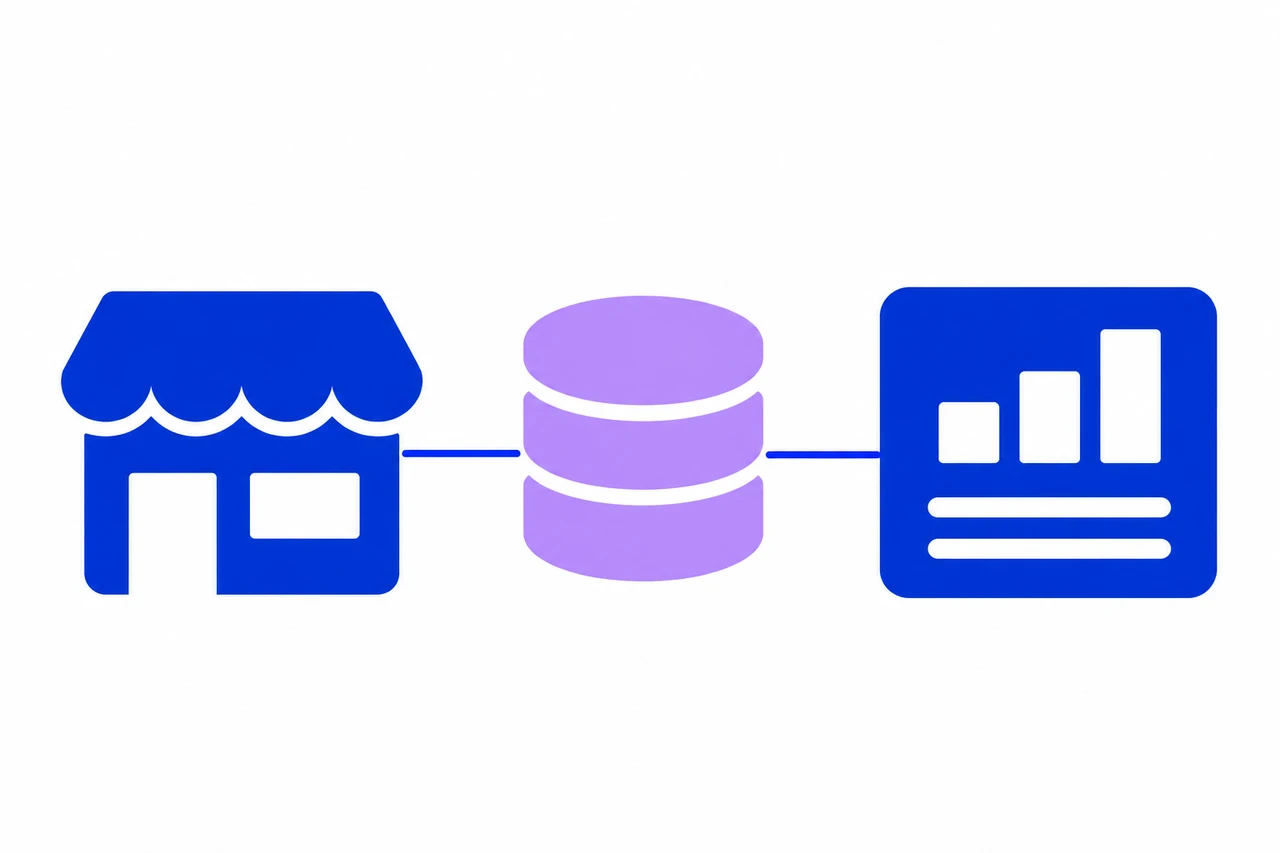
Your public website and admin tools work together through shared data, authentication, and real business workflows.
From idea to implementation
Bring the business context. Your agent handles the technical plan, recommends designs, and carries your choices through the build.
Describe what you do, who the site serves, your brand, target market, and website language. Your agent turns those answers into concrete pages and business requirements.
Compare recommended Skillux templates with real previews where available, visual direction, and reasons they fit. Pick a design or ask for another selection.
Select an admin template and the management features your business needs. A single-page site can skip the backend if you do not need one.
Your agent checks template access, integrates the chosen designs, connects shared data and business workflows, and exercises the key actions before handover.
Built around the everyday work
A beautiful storefront needs a way to manage products. A content site needs a way to publish. Web Builder turns the selected designs into the business system your brief calls for.
Choose both experiences, with separate layouts and an admin login. Customer accounts and administrator permissions stay separate.
Public pages and management tools work from shared data. Build the workflows your business needs, from content publishing to product and order management.
For projects with an admin area, include roles, permissions, administrators, activity logs, settings, and password changes, then add the business-specific modules.
Manage long content with rich text, reuse uploaded images, update branding, and connect page descriptions and keywords to actual SEO metadata.
Plan login, payments, and shipping around the business and its market. External services require valid configuration; missing credentials remain visible at handover.
Check key interactions against saved data, plus permissions, mobile layouts, pagination, and readability. Report what passed and what still needs attention.
One brief to get started
Install Web Builder, describe what you need, and choose the designs you like. The skill guides your agent through the requirements, template selection, frontend and admin build, and verification.
Your agent asks for missing business details and flags any external services that still need configuration.
Before you start
Web Builder is a guided workflow for an AI coding agent. It takes a business brief through frontend and admin template selection, download-access checks, implementation, and verification to help build a working full-stack website.
No. The skill discovers templates through the Skillux catalog. Template downloads require the appropriate account entitlement, checked before downloading. Installing Web Builder does not grant access to the entire template library or automatically purchase a template.
Yes. Your agent recommends frontend templates first, then admin templates. You choose the appearance, request more options, or explicitly ask the agent to choose. A cover is a product showcase image; real previews are identified separately when available.
For a single-page website, the skill asks whether you need an admin area. Other websites include one by default unless you ask to omit it. Projects without an admin area skip admin template selection and management modules.
No. The default starting point is industry-neutral. Content sites, service businesses, and other applications receive the modules they need. Commerce features are added when the requirements include selling and taking orders.
Yes. The agent checks the existing application and saved Web Builder project record before proceeding. It reuses recorded choices and a compatible architecture instead of starting over or replacing existing work.
The default handover is a local project with the selected template integration, implemented business features, setup information, and verification status. Deployment is a separate step. Payment, email, login, and shipping services may still need account credentials and configuration.