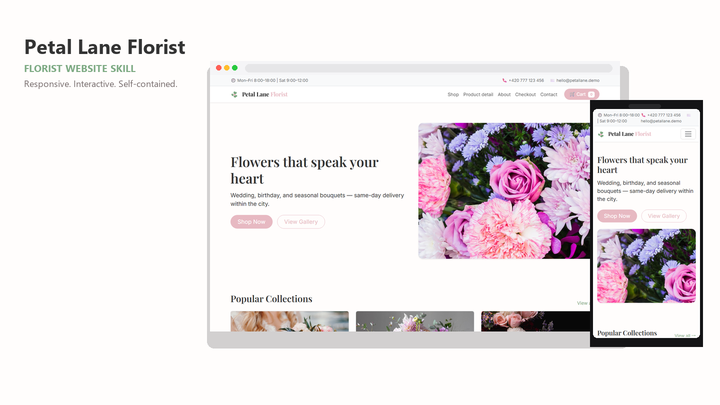
Web Design Petal Lane Florist
By Sam Rivera
Web Design Petal Lane Florist draft pack.
CartClaude · Cursor · Codex
$4.99471 downloads
A clearer brief for your next build
Give Codex a website goal and a reusable design reference. Choose a compatible pack, describe the pages you need, and review the implementation against your content, layout, and interaction requirements.
Last updated 2026-11-07
From the live Skillux catalog
218 matching skills. Check each listing for its contents and license.
By Sam Rivera
Web Design Petal Lane Florist draft pack.
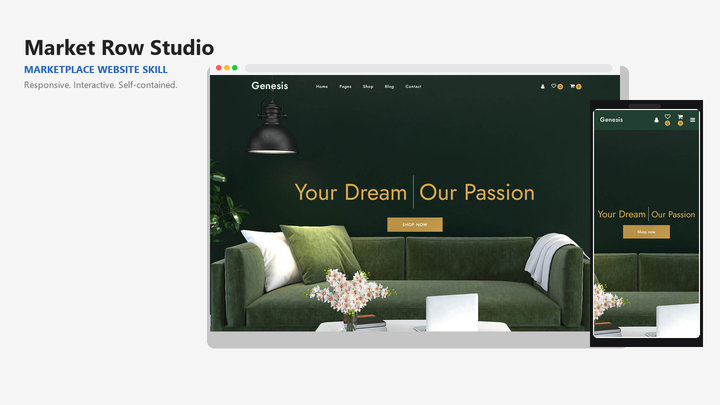
By Sam Rivera
Web Design Market Row Studio draft pack.
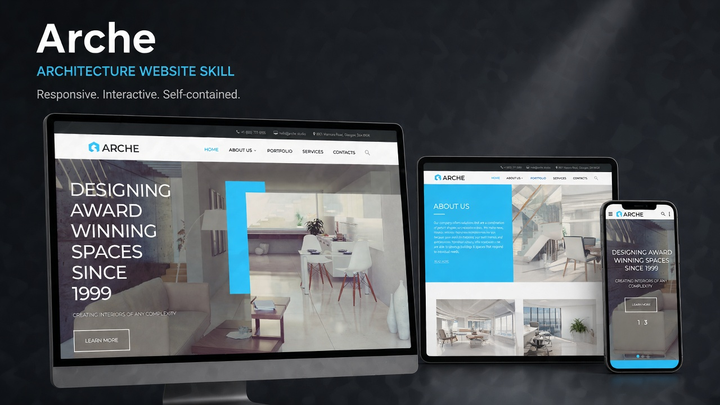
By Jordan Blake
Web Design Arche draft pack.
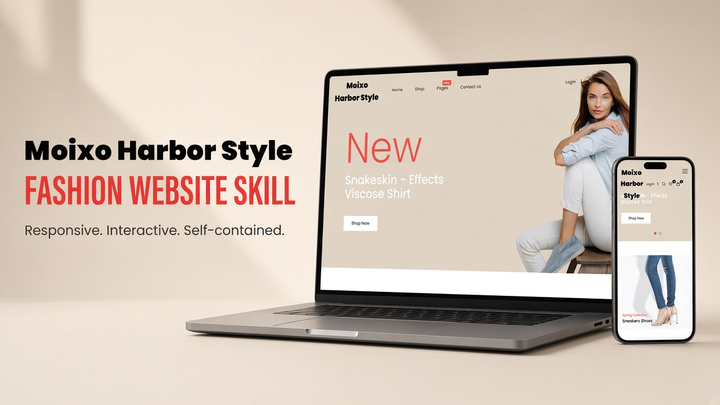
By Sam Rivera
Web Design Moixo Harbor Style draft pack.
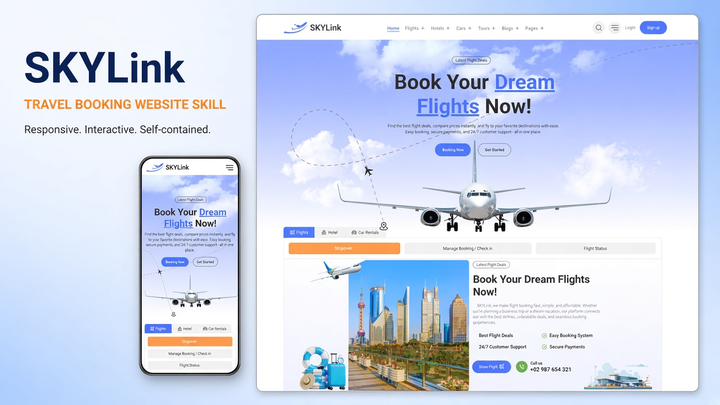
By Maya Ellis
Web Design Skylink website-generation skill pack.
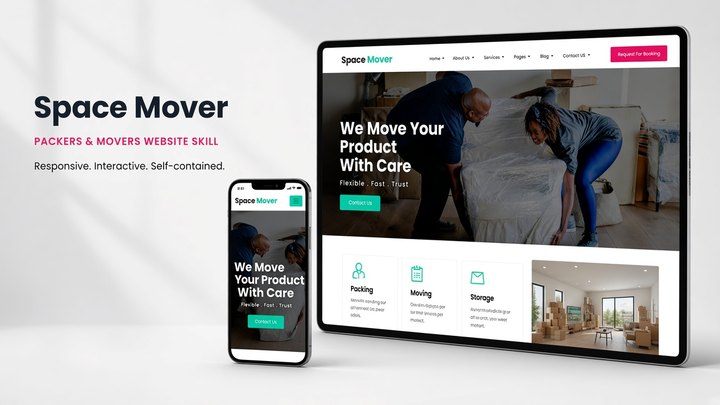
By Sam Rivera
Web Design Spacemover draft pack.
Put the skill to work
Decide whether the visitor should try a product, read documentation, or send an inquiry. Give Codex real content and a page outline so the design serves that goal.
Name your framework, routes, available assets, and deployment requirements. Pick a skill with a suitable preview and check what code or templates are actually included.
Request a responsive implementation and appropriate project checks. Review navigation, form behavior, loading states, and the rendered page instead of relying only on a successful build.
Open a live listing below to compare its design direction, supported tools, framework, and license. Use the preview to judge whether it suits your website.
Install the complete pack using the linked guide. Confirm the instructions and supporting assets are available in the working project before asking Codex to use them.
State the skill name, required pages, primary action, and implementation constraints. Review the generated code, actual screen sizes, and relevant build checks.
The available projects depend on the live catalog. Check each pack's category and preview for a fit with landing pages, portfolios, content sites, dashboards, or other interfaces.
No. Tool compatibility and framework compatibility are separate checks. A Codex-compatible pack can still target a stack that differs from your project, so inspect the listing and included files first.