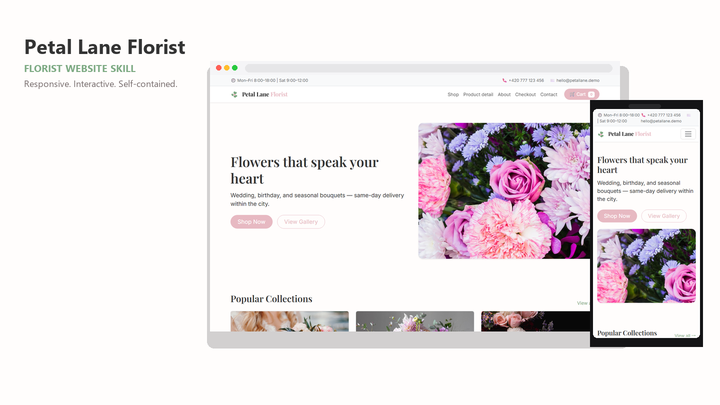
Web Design Petal Lane Florist
By Sam Rivera
Web Design Petal Lane Florist draft pack.
CartClaude · Cursor · Codex
$4.99471 downloads
One design system for every agent
A design skill is a reusable pack of design guidance your coding agent loads on demand: layout rules, type and spacing decisions, and example interfaces. Choose one that fits your agent, install it once, and brief every project against the same design system.
Last updated 2026-11-07
From the live Skillux catalog
218 matching skills. Check each listing for its contents and license.
By Sam Rivera
Web Design Petal Lane Florist draft pack.
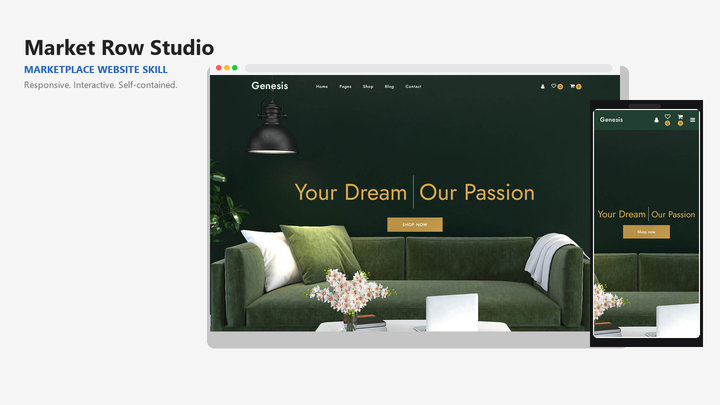
By Sam Rivera
Web Design Market Row Studio draft pack.
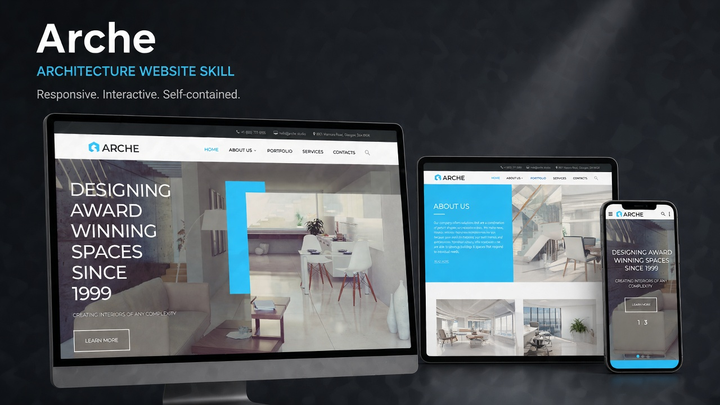
By Jordan Blake
Web Design Arche draft pack.
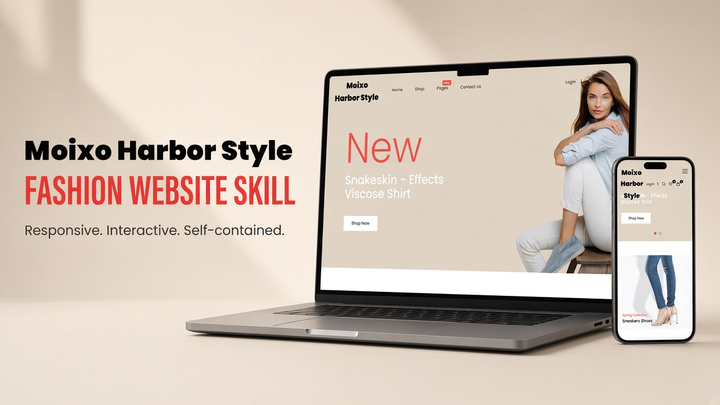
By Sam Rivera
Web Design Moixo Harbor Style draft pack.

By Maya Ellis
Web Design Skylink website-generation skill pack.
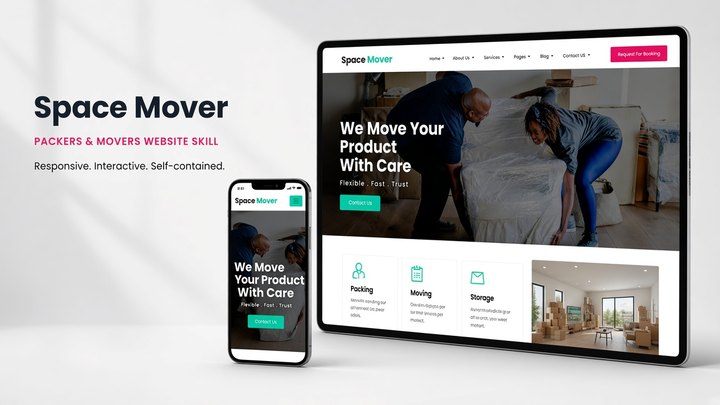
By Sam Rivera
Web Design Spacemover draft pack.
Put the skill to work
A prompt describes one task; a skill persists across tasks. It packages instructions, design tokens, and example interfaces in a SKILL.md-based pack your agent can discover and load whenever the work matches, so the same design decisions apply in every session.
Support is a property of each listing. A pack may target Claude, Cursor, Codex, Windsurf, or several of them, and framework fit is a separate question. The selection below only shows packs that list Claude, Cursor, and Codex together.
Teams often prototype in one agent and maintain code in another. A shared skill keeps type scale, spacing, and component behavior consistent when the work moves. The Skillux guide on keeping AI-generated UI consistent across pages explains how to structure those shared decisions.
Name the audience, the primary task, and the states the interface must handle. Let the skill supply hierarchy and visual rules, then review the rendered result instead of approving code you cannot see.
Start from the cross-tool selection below or filter the full library by your agent. Compare the preview, file list, and license on each detail page before installing.
Follow the installation guide for your tool and keep SKILL.md together with the pack's templates and assets. Start a new session so the agent picks the skill up cleanly.
Refer to the installed skill in your request and describe the outcome you need. Ask the agent to state which rules it applied, then review the interface at real screen sizes.
It is a reusable pack — typically a SKILL.md file plus supporting templates, tokens, or example interfaces — that teaches an AI coding agent a specific design approach. The agent loads it when a task matches, instead of relying on a one-off prompt.
Often, yes, because the skill format is portable markdown and assets. Compatibility is still per pack: check the supported tools on the listing, and follow the install path for each agent you use.
No. A general design skill can cover many projects, and you can add a more specific pack when a project needs a particular layout or interface type. Keep the packs' instructions together so the agent can combine them predictably.