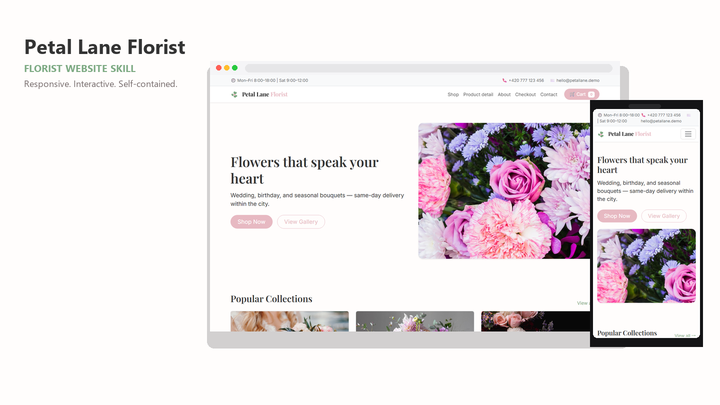
Web Design Petal Lane Florist
By Sam Rivera
Web Design Petal Lane Florist draft pack.
CartClaude · Cursor · Codex
$4.99471 downloads
Judge a pack like an editor
'Best' should mean something checkable. The selection below is ordered by installs from the live Skillux catalog — the packs builders actually reach for — and the guidance on this page explains how to judge whether any of them is the best fit for your project.
Last updated 2026-11-07
From the live Skillux catalog
262 matching skills. Check each listing for its contents and license.
By Sam Rivera
Web Design Petal Lane Florist draft pack.
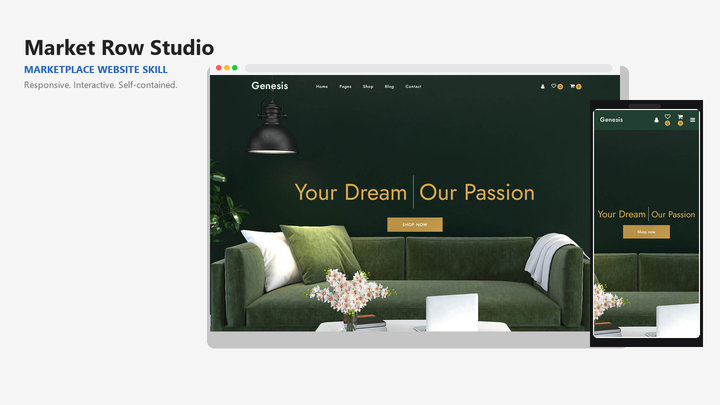
By Sam Rivera
Web Design Market Row Studio draft pack.

By Jordan Blake
Web Design Arche draft pack.

By Sam Rivera
Web Design Moixo Harbor Style draft pack.

By Maya Ellis
Web Design Skylink website-generation skill pack.
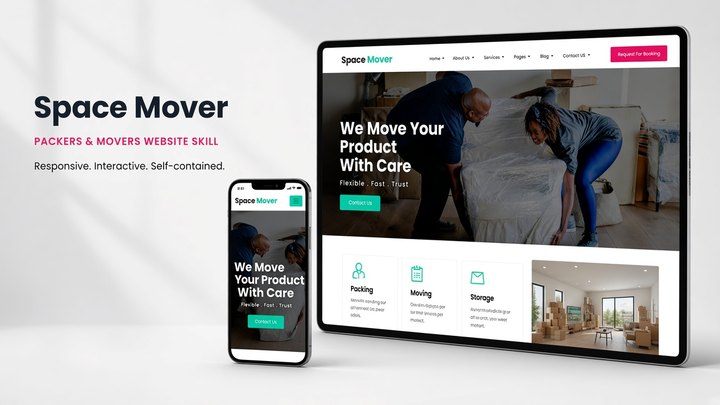
By Sam Rivera
Web Design Spacemover draft pack.
Put the skill to work
The packs below are sorted by installs across the live catalog, updated as the catalog changes. Installs are a popularity signal, not a quality guarantee — treat the list as a starting point for evaluation, not a verdict.
Open the pack's preview or sample site and study hierarchy, spacing, and state handling. The Skillux guide on evaluating AI design skills sets out a fuller checklist for comparing packs before you commit.
A broad, highly installed pack is not always the right choice. A narrower pack that matches your interface type — landing page, dashboard, portfolio — often produces better first drafts than a general favorite.
Install your top candidate and rebuild a single representative screen with real content. One honest test tells you more than any ranking, including this one.
Browse the selection below and open the listings that fit your tool and interface type. Note what each pack includes: instructions, tokens, starter code, or a full example site.
Check supported agents, framework fit, license terms, and how recently each pack was updated. Shortlist against your actual project rather than the category average.
Install the finalist, brief one real screen, and review the render. Keep the pack that needed the fewest corrections, and note why for your next project.
This page orders packs by installs from the live catalog, so the list reflects what builders actually use and changes over time. It is a popularity ranking; the evaluation guidance on this page helps you decide which pack is best for your specific project.
Not automatically. Installs favor broad, general packs. If your project is a specific interface type, a less installed but better-matched pack can outperform the favorite. Compare previews against your content before choosing.
The selection is generated from the live catalog each time the page loads, so it changes as new packs are published and install patterns shift. The packs you see are the current most-installed set, not a fixed editorial ranking.