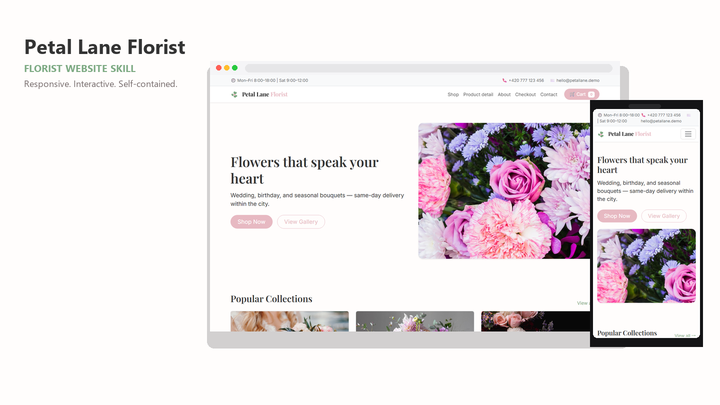
Web Design Petal Lane Florist
By Sam Rivera
Web Design Petal Lane Florist draft pack.
CartClaude · Cursor · Codex
$4.99471 downloads
Design the journey before the screen
Give Claude Code a design brief with structure: the audience, the journey, and the action that matters. A compatible UI/UX skill adds reusable visual and interaction guidance to that brief.
Last updated 2026-11-07
From the live Skillux catalog
262 matching skills. Check each listing for its contents and license.
By Sam Rivera
Web Design Petal Lane Florist draft pack.
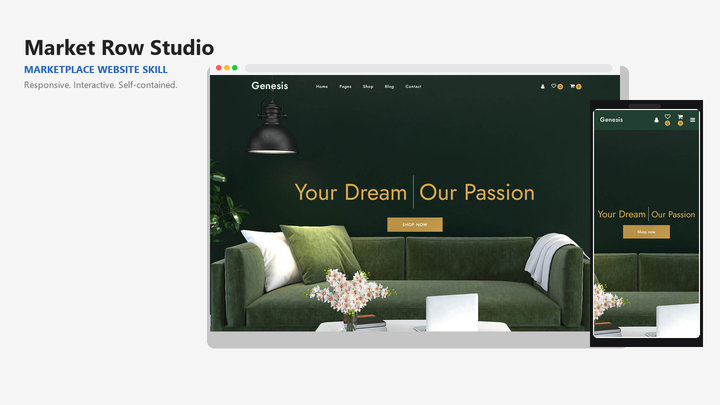
By Sam Rivera
Web Design Market Row Studio draft pack.
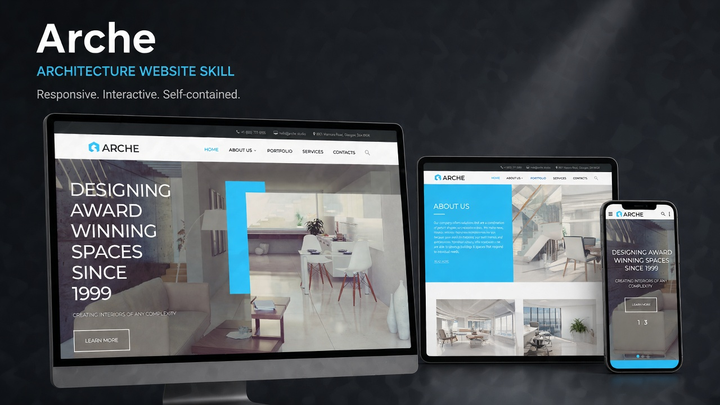
By Jordan Blake
Web Design Arche draft pack.
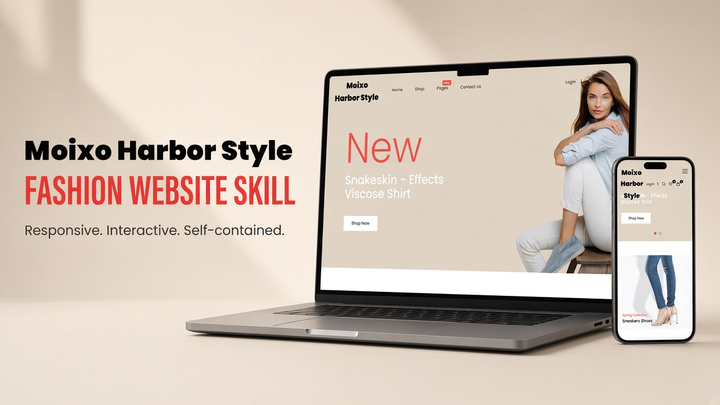
By Sam Rivera
Web Design Moixo Harbor Style draft pack.
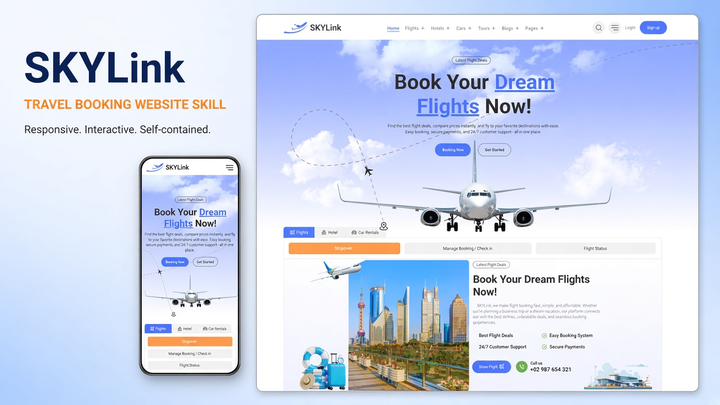
By Maya Ellis
Web Design Skylink website-generation skill pack.
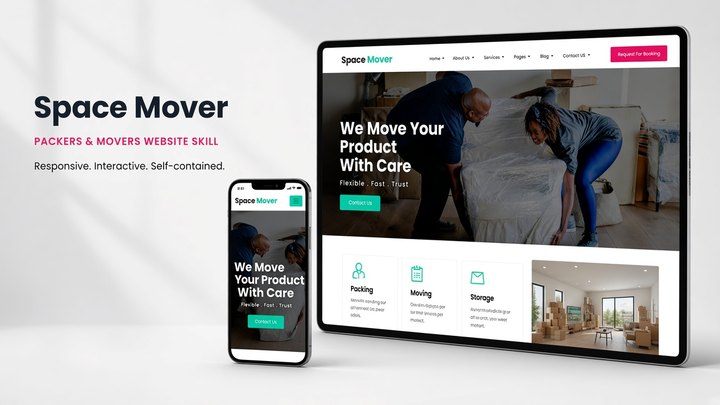
By Sam Rivera
Web Design Spacemover draft pack.
Put the skill to work
Choose a pack with a marketing layout that fits your offer. Supply a real headline, product screenshots, pricing, and one primary action. Ask Claude to adapt the hero, benefits, proof, and FAQ to that content; do not invent customer quotes or results. Check each listing for whether starter code is included.
List the screens and decisions a new user encounters. Give Claude your required steps and ask it to explain the route from first visit to first useful result before generating the interface.
Choose a pack whose typography, layout, and example interface suit your product. Ask Claude to apply the same rules to the next screen, including secondary actions and feedback states.
Check an interrupted signup, a failed save, and a return visit with no content. Use the skill's patterns as a starting point and review the generated behavior against your requirements.
Inspect the live listings below. Compare the preview, framework, license, and included files; compatibility belongs to each individual skill.
Follow the Claude section of the installation guide and keep the pack's supporting files together. Start a fresh working session after installation.
Name the installed skill, describe your audience and primary action, and ask for a plan. Review the resulting interface on small screens and with keyboard navigation.
Yes, when the individual pack supports Claude and provides relevant design guidance. Choose a preview that fits your product, install the complete pack, and give Claude your real content and framework. A starter website may need adaptation; a design skill does not supply a working payment or signup backend by itself.
These listings are reusable skill packs marked as compatible with Claude. Their instructions and supporting files vary by pack. Open the detail page to inspect the contents rather than assuming every pack includes the same templates.
Describe the audience, the main task, required content, existing framework, and constraints. Include the skill name and ask Claude to cover navigation, responsive layouts, and error states.