Free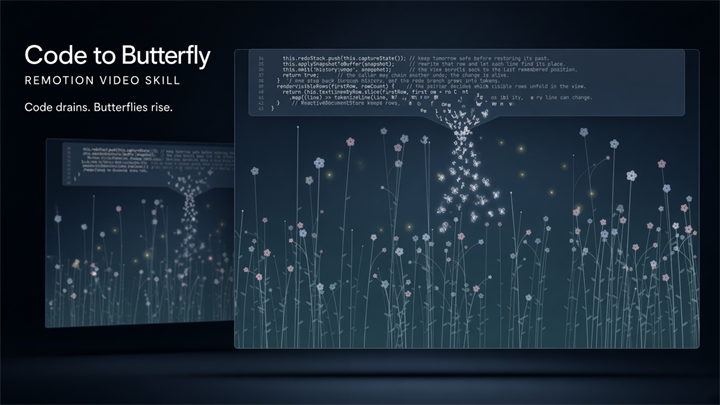
A launch email in, a video script to match out: subject line, one-line pitch, three beats, CTA — the email and the video written together, so the clip in the inbox and the page it links to tell the same story.


 v1.0 · 2026-11-26
Before you choose this pack
Recorded examples: cover.png · email-video.md · INSTALL.md · preview.mp4. The inventory identifies files; inspect their instructions for actual behavior.
Confirm commercial-use rights and refund conditions. For an example of a reviewable handover, see the interface repair case study.
Launch emails and their videos are usually written by two people on two days, and it shows: the email promises one thing, the video shows another, and the click dies in between. This skill writes them together. You give it a launch — what shipped, why it matters, where it lives — and it returns a launch email and the 30-second video script that goes inside it: subject line, one-line pitch, three beats, CTA, with the email and the clip telling the same story frame for frame.
The preview on this page is the skill's own storyboard animatic for a real launch: video skills batch 04 lands on skillux.dev on 2026-11-26 — 10 new skills, three new shelves (fashion, home, gadgets) plus podcast-to-video, comparison, bundle and tour workflows — bringing the video collection to 40 skills (skill-269 to skill-308). Every number in the sample is a real launch fact. Every frame is labelled STORYBOARD ANIMATIC.
Install Email Video Script (email-video-script) with the CLI, or download the zip and place it by hand.
Install with AI
Recommended. Authorizes this machine, then writes Email Video Script into your agent skills folders.
npx skillux loginOpens the browser to authorize this machine.
npx skillux add email-video-scriptWrites the pack into your agent skills folders.
npx skillux updatePulls newer versions for packs you already installed.
Copy all three
npx skillux login
npx skillux add email-video-script
npx skillux updateUse npx skillux add email-video-script -p to install into the current project only. Credentials live in ~/.skillux/credentials.json.
No reviews yet. If you have used this pack, sign in below and be the first to share how it worked — every review here comes from a real Skillux account.
Sign in to rate it and share how it worked for you. Reviews are tied to accounts, so what you see here always comes from real users.
Sign in to reviewSame site type first, then other packs from this author and the wider catalog.
By Maya Ellis
A live session in, a 20-second teaser script out: pain-point hook, agenda, host slot, registration CTA — four shots timed to the second, so the teaser is cut before the session is recorded.
By Jordan Blake
A customer interview in, a testimonial script out: opening question, use case, the specific change, quote confirmation — the questions that get a real quote, with the quote slot kept empty until a verified one exists.