
Web Design Skylink
By Maya Ellis
Web Design Skylink website-generation skill pack.
ServiceClaude · Cursor · Codex
$4.99447 downloads
Build dark premium movie theater, cinema, and film venue websites with a gold-accent Cinema starter—hero slider, featured movies, trailers, gallery, FAQ, blog, contact drafts, and fully local assets.


 v0.1 · 2026-11-06
Before you choose this pack
Recorded examples: SKILL.md · tokens.css · web-design-cinema.png. The inventory identifies files; inspect their instructions for actual behavior.
Confirm commercial-use rights and refund conditions. For an example of a reviewable handover, see the interface repair case study.
Cinema is a self-contained English movie theater / cinema website skill. It ships a complete multi-page static starter—HTML, CSS, JS, Lucide icons, and imagery—so generation does not depend on an external template, CDN, marketplace preview, or another skill.
The design uses a near-black canvas, high-saturation gold and coral accents, a full-bleed hero slider, film category cards, featured movie tracks, trailers, locations, gallery lightbox, FAQ accordion, blog, and a contact inquiry flow suited to premium cinema storytelling. It is visually distinct from streaming-catalog packs such as Stremio and from deep-blue AI packs such as VoidCore.
Install the pack into your agent skills folder, then start a new Agent session. Invoke by naming the skill or describing a cinema / movie theater scenario, for example:
Include the brand name and primary CTA when you can. The agent should follow this skill’s Generate / Adapt steps and use the bundled starter.
Install Web Design Cinema (web-design-cinema) with the CLI, or download the zip and place it by hand.
Install with AI
Recommended. Authorizes this machine, then writes Web Design Cinema into your agent skills folders.
npx skillux loginOpens the browser to authorize this machine.
npx skillux add web-design-cinemaWrites the pack into your agent skills folders.
npx skillux updatePulls newer versions for packs you already installed.
Copy all three
npx skillux login
npx skillux add web-design-cinema
npx skillux updateUse npx skillux add web-design-cinema -p to install into the current project only. Credentials live in ~/.skillux/credentials.json.
Same site type first, then other packs from this author and the wider catalog.
By Maya Ellis
Web Design Skylink website-generation skill pack.
By Sam Rivera
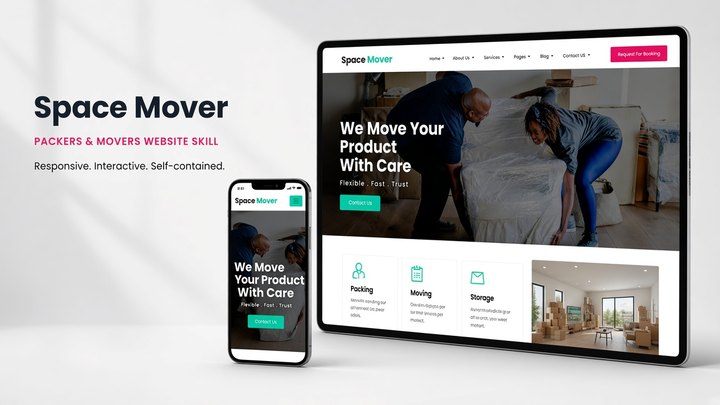
Web Design Spacemover draft pack.
By Maya Ellis
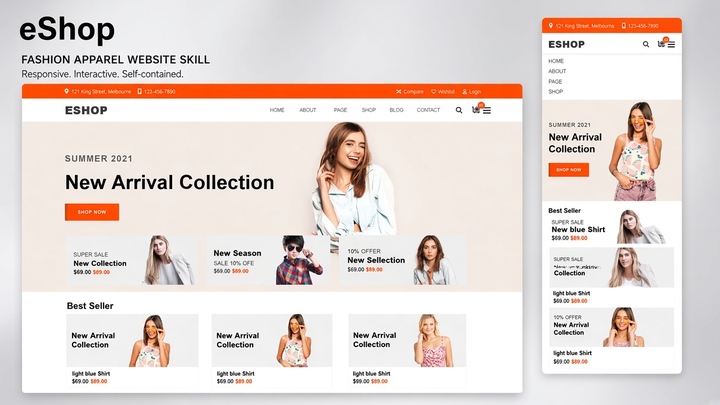
Web Design Eshop website-generation skill pack.