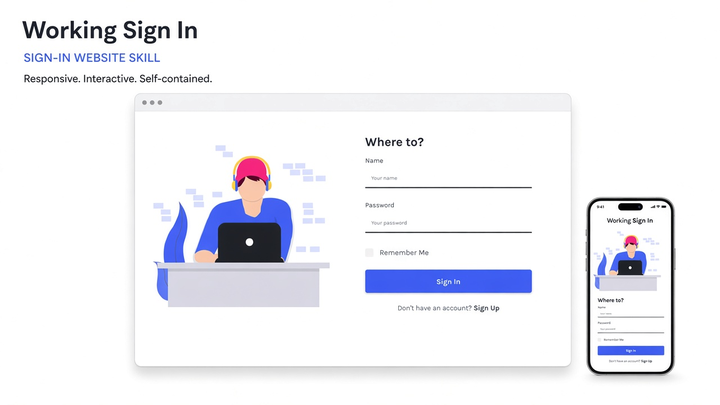
Generate a gadget / device account sign-up page website with a two-column desk illustration, green Sign Up CTA, icon underline fields, and local drafts using the bundled Gadget Sign Up starter. Use when the user wants a sign-up, register, or gadget-account registration page (not Flatlay Login photo cards, Working Sign In headphone illustrations, or full SaaS marketing sites).
0 downloadsv0.1 · 2026-11-17
Loading site preview…
Before you choose this pack
Delivery & requirements
Your inputs
Bring your audience, primary task, representative content and required brand assets. Follow any additional inputs in the pack instructions.
Included files
27 entries in the extracted inventory. SKILL.md is present. See the file list below for recorded contents.
Listed environment
Stack: not specified. Listed agents: Claude, Cursor. This is catalog compatibility information; exact host and dependency versions are not independently verified here.
Preview & output
A browsable site entry is recorded in the pack. It is a preview, not evidence of a connected backend or a successful production deployment.
Dependencies & costs
A complete dependency and external-cost declaration has not been verified for this listing. Check the pack instructions for required tools, model/API access and any rendering charges before running it.
Verification scope
Inventory extracted 2026-11-17. Extraction records do not certify runtime behavior, responsive layouts, accessibility or deployment readiness.
Recorded examples: SKILL.md · tokens.css · web-design-gadget-signup.png. The inventory identifies files; inspect their instructions for actual behavior.
Gadget Sign Up is a self-contained website-generation skill for English registration and sign-up pages. It ships a single-page static starter—Montserrat, Open Sans, Font Awesome icons, a desk illustration, and local draft handling—so generation does not depend on an external template marketplace, CDN fonts, or another skill.
The look pairs a large uppercase brand title with a two-column layout: left-side gadget account messaging and illustration, right-side shadowed form card with green glowing Sign Up button.
What you can do
Generate a ready-to-open sign-up / register page from the bundled starter
Present Name, Phone, Email, Password fields with icons, Remember me, and Forgot password
Keep field hover green accents and button opacity hover
Capture sign-up attempts as unsent local draft downloads (nothing is posted remotely; passwords are not saved)
Swap the Gadget brand name while preserving the illustration + card composition
Choose full / auto / off motion via the generator (default full; no on-page Motion selector)
Who it’s for
Product teams that need a polished gadget or device-account registration mock
Agencies packaging auth UI demos without wiring a real identity provider
Builders who want fully local assets and honest “draft only” sign-up behavior
How to use it
Install the pack into your agent skills folder, then start a new Agent session. Invoke by naming the skill or describing a gadget sign-up scenario, for example:
`/web-design-gadget-signup` help me generate a sign-up page
Use `web-design-gadget-signup` to build a registration website; brand it Gadget
Follow the skill’s default prompt: `Use $web-design-gadget-signup to create a sign-up page with desk illustration, green CTA, and local drafts.`
Include the brand name and primary CTA when you can. The agent should follow this skill’s Generate / Adapt steps and use the bundled starter.
Palette from pack tokens
Accent / #67E878
Accent Glow / #60F574
Link / #E80000
Teal / #60BAAF
Ink / #000000
Muted / #908C8C
Line / #A5A2A2
Icon / #CCCCCC
What’s in the pack
agents/
assets/
references/
scripts/
SKILL.md · 3.9 KB
tokens.css · 380 B
web-design-gadget-signup.png · 91 KB
Install Web Design Gadget Signup (web-design-gadget-signup) with the CLI, or download the zip and place it by hand.
Install with AI
Let your AI handle the setup.
Recommended. Authorizes this machine, then writes Web Design Gadget Signup into your agent skills folders.
1 · Login
npx skillux login
Opens the browser to authorize this machine.
2 · Install
npx skillux add web-design-gadget-signup
Writes the pack into your agent skills folders.
3 · Update
npx skillux update
Pulls newer versions for packs you already installed.


 v0.1 · 2026-11-17