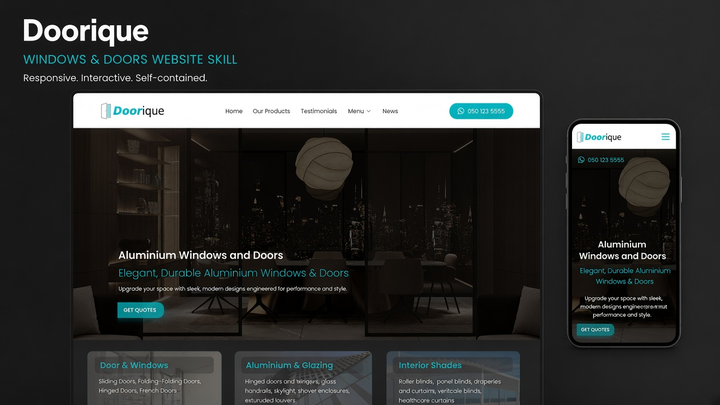
Web Design Doorique
By Jordan Blake
Web Design Doorique draft pack.
IndustryClaude · Cursor · Codex
$4.99146 downloads
Build car rental and auto repair combined service brochure websites with local resources, orange-accent Motorix layout, rent/repair booking widget, fleet pages, and unsent inquiry drafts.


 v0.1 · 2026-11-06
Before you choose this pack
Recorded examples: SKILL.md · tokens.css · web-design-motorix.png. The inventory identifies files; inspect their instructions for actual behavior.
Confirm commercial-use rights and refund conditions. For an example of a reviewable handover, see the interface repair case study.
Motorix is a self-contained English website skill for combined car rental and auto repair service brands. It ships a multi-page static starter—Bootstrap 5, Montserrat + Inter, Font Awesome, Slick, WOW, calendar UI, photography, and icons—so generation does not depend on an external template marketplace, CDN, PHP mail scripts, or another skill.
The look pairs vivid amber-orange accents (`#f59e0b` / soft `#fcbb4d`) with charcoal navy text, white paper surfaces, light topographic hero patterning, a dual Rent a Car / Repair a Car booking widget, and a white SUV hero. It is distinct from Drivefix, Tezel, Wheely, Tromic, DriveSchool, DLearn, HotDeals, Karx, AutoPoint, Speedshop, and AutoPortal.
Install the pack into your agent skills folder, then start a new Agent session. Invoke by naming the skill or describing a car rental + auto repair scenario, for example:
Include the brand name and primary CTA when you can. The agent should follow this skill’s Generate / Adapt steps and use the bundled starter.
Install Web Design Motorix (web-design-motorix) with the CLI, or download the zip and place it by hand.
Install with AI
Recommended. Authorizes this machine, then writes Web Design Motorix into your agent skills folders.
npx skillux loginOpens the browser to authorize this machine.
npx skillux add web-design-motorixWrites the pack into your agent skills folders.
npx skillux updatePulls newer versions for packs you already installed.
Copy all three
npx skillux login
npx skillux add web-design-motorix
npx skillux updateUse npx skillux add web-design-motorix -p to install into the current project only. Credentials live in ~/.skillux/credentials.json.
Same site type first, then other packs from this author and the wider catalog.
By Jordan Blake
Web Design Doorique draft pack.
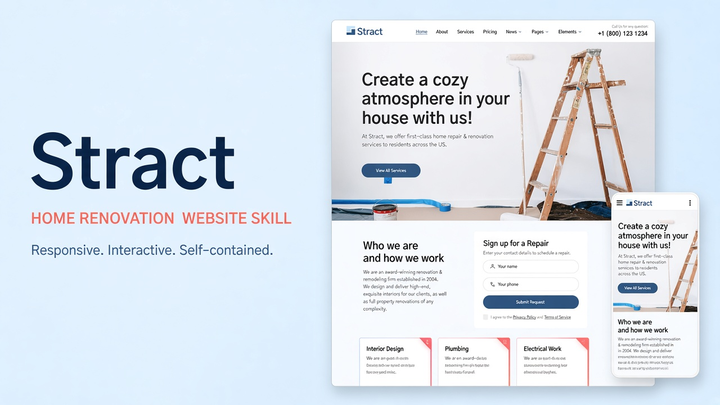
By Sam Rivera
Web Design Stract draft pack.

By Maya Ellis
Web Design Horizon draft pack.