Free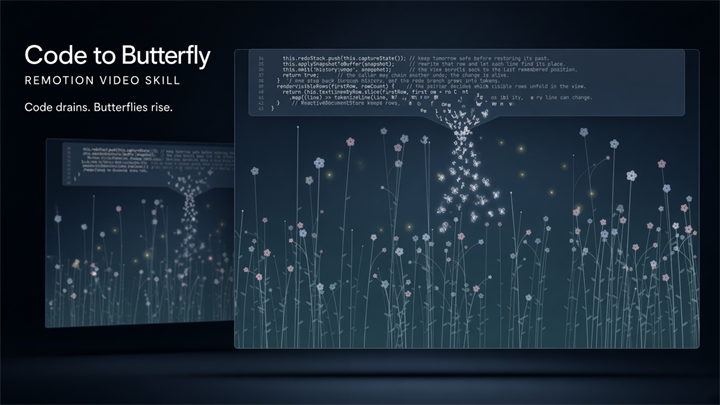
A store collection becomes a guided tour video: feed a Remotion template four stops with real product photos and prices and it renders one stop per product — number, name, one line, price — with a progress bar.


 v1.0 · 2026-11-26
Before you choose this pack
Recorded examples: cover.png · INSTALL.md · preview.mp4 · SKILL.md. The inventory identifies files; inspect their instructions for actual behavior.
Confirm commercial-use rights and refund conditions. For an example of a reviewable handover, see the interface repair case study.
A collection page makes the shopper do the work: open four pages, remember four prices, decide alone. A tour video does the walking for them. This skill turns a store collection into a guided tour: you give it four stops — real product photos, names, live prices, one line each — and it renders one stop per product, numbered, with a progress bar, so a shopper sees the whole range in thirty seconds without opening four pages.
The preview on this page is a genuine Remotion render of a real tour: four stops through Halmiva's Christmas collection — candle set ($23, was $33), velvet balls ($21, was $31), Climbing Ladder Santa ($21, was $31, "as show" variant) and personalised stocking ($10, was $15) — live prices checked 2026-11-26. The composition ships inside the pack.
Install Product Tour Video (product-tour-video) with the CLI, or download the zip and place it by hand.
Install with AI
Recommended. Authorizes this machine, then writes Product Tour Video into your agent skills folders.
npx skillux loginOpens the browser to authorize this machine.
npx skillux add product-tour-videoWrites the pack into your agent skills folders.
npx skillux updatePulls newer versions for packs you already installed.
Copy all three
npx skillux login
npx skillux add product-tour-video
npx skillux updateUse npx skillux add product-tour-video -p to install into the current project only. Credentials live in ~/.skillux/credentials.json.
No reviews yet. If you have used this pack, sign in below and be the first to share how it worked — every review here comes from a real Skillux account.
Sign in to rate it and share how it worked for you. Reviews are tied to accounts, so what you see here always comes from real users.
Sign in to reviewSame site type first, then other packs from this author and the wider catalog.
By Sam Rivera
A launch email in, a video script to match out: subject line, one-line pitch, three beats, CTA — the email and the video written together, so the clip in the inbox and the page it links to tell the same story.
By Maya Ellis
A live session in, a 20-second teaser script out: pain-point hook, agenda, host slot, registration CTA — four shots timed to the second, so the teaser is cut before the session is recorded.