Free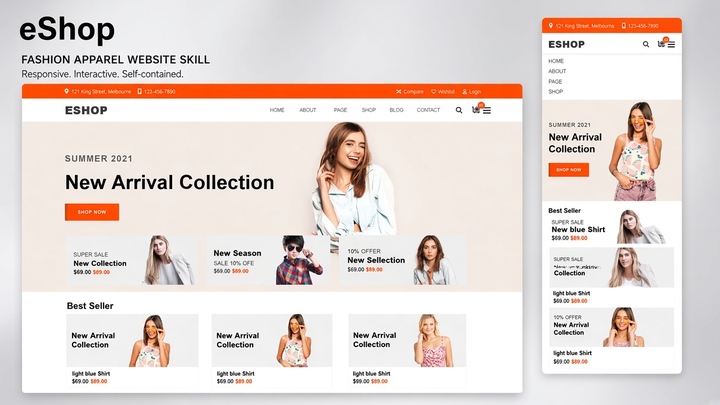
Web Design Eshop
By Maya Ellis
Web Design Eshop website-generation skill pack.
ServiceClaude · Cursor · Codex
Free
The storefront is the sales pitch
A store has harder design jobs than a brochure site: a product grid that stays scannable at fifty items, a product page that answers price, variants, and delivery before the visitor asks, and a cart that never surprises. These packs give your coding agent a storefront structure and visual system built for those jobs, so you brief it with your real catalog instead of a generic shop layout.
Last updated 2026-11-07
From the live Skillux catalog
6 matching skills. Check each listing for its contents and license.
By Maya Ellis
Web Design Eshop website-generation skill pack.
By Maya Ellis
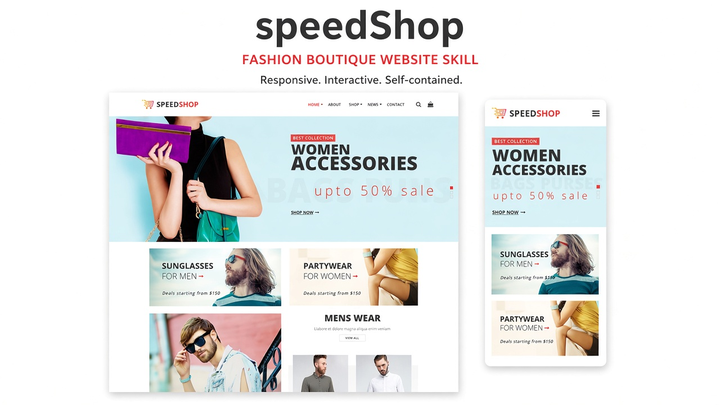
Web Design Speedshop website-generation skill pack.
By Sam Rivera
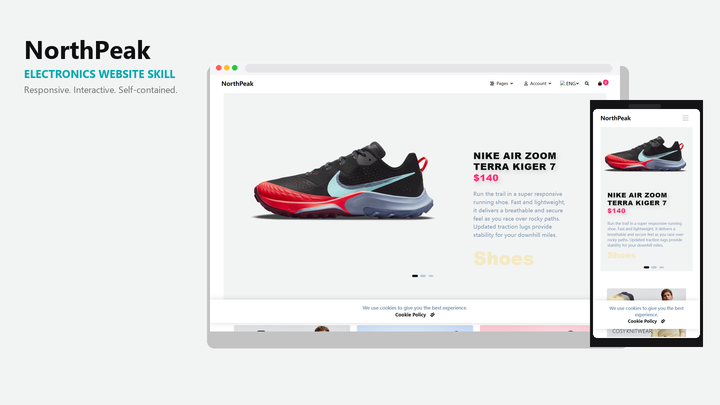
Web Design Northpeak Electronics Shop draft pack.
By Sam Rivera
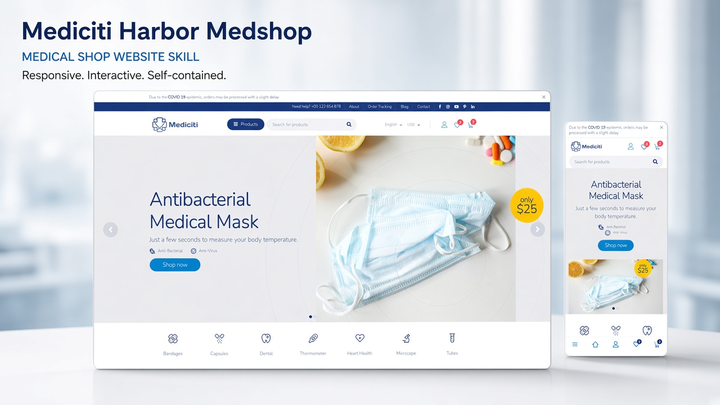
Web Design Mediciti Harbor Medshop draft pack.
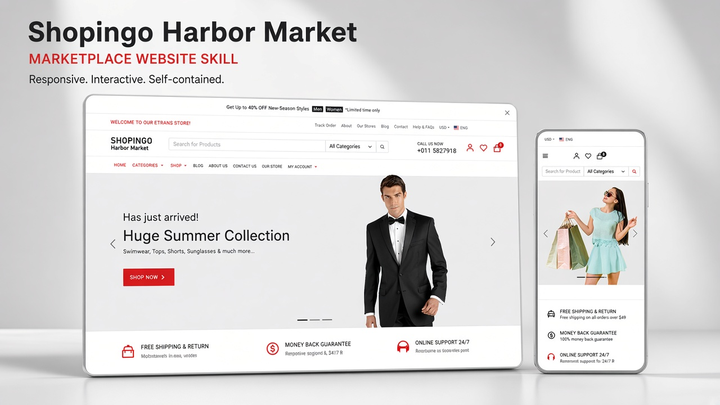
By Jordan Blake
Web Design Shopingo Harbor Market draft pack.
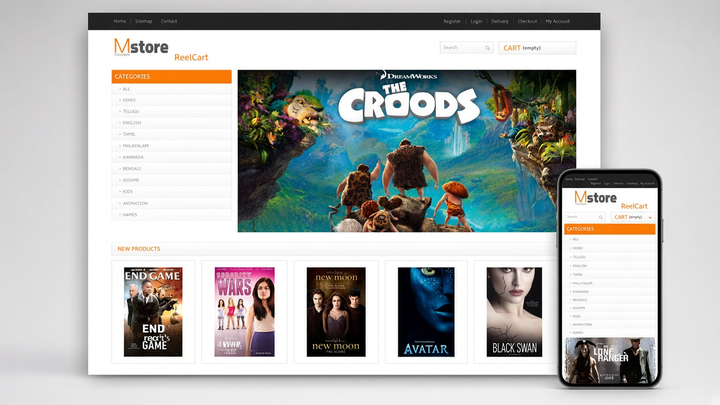
Put the skill to work
Store templates are usually demoed with six tidy products. Judge a pack by how its grid, filters, and cards behave at your real catalog size, with long product names, uneven photo shapes, and items out of stock. Ask the agent to keep price and availability visible at card level, where buying decisions start.
A product page has to close the sale: gallery, price, variants, delivery and returns, and the purchase action, in the order a buyer checks them. Choose a pack whose product page keeps that sequence obvious on mobile, where most store browsing happens, and brief the agent with your real variant and shipping rules.
A design pack shapes how the cart, totals, and checkout steps look and behave; the payment processing itself comes from your store platform or payment provider, not from a design skill. Use the pack to make costs, discounts, and the final total readable before the buyer's own checkout takes over, and never let a template's demo checkout imply a working payment flow.
Demo stores carry invented products, prices, and reviews. Replace all of it with your catalog, your photography, and your policies before launch. The Skillux catalog is currently free to browse and download during the Black Friday promotion, so you can test a store pack against a real product range before committing your shop to its layout.
Browse the shop selection below and open the listings that match your kind of store. Check the preview's grid and product page, the supported agent, the stack, and what files are included before installing.
Follow the installation guide for Claude, Cursor, or Codex, then gather your product names, prices, photos, variants, and delivery and returns terms. A store brief without a real catalog produces a demo, not a shop.
Ask the agent to build the grid and one full product page first. Browse it on a phone, try the filters, check a long product name and an out-of-stock item, and only then extend the design to the rest of the store.
It can build the storefront: the pages, layouts, and interactions a visitor sees, adapted to your catalog and stack. Payments, inventory, and order management come from your store platform or backend services. Treat the pack as the design and front-end layer, and connect your own commerce tooling behind it.
Compare the product grid and product page in each preview against your catalog: number of products, variant complexity, and how much editorial content your store carries. Then check supported tools, stack, and included files on the listing, and test the finalist on one real product page.
Check the stack and file list on each listing. Many packs are design guidance or static starters that an agent adapts to your framework; others target a specific stack. The pack does not replace your store platform — it directs how your agent designs and builds the front end you run on it.
Your product list with real names and prices, product photos, variant rules such as sizes or colours, delivery and returns terms, and any brand basics you already have. The pack supplies storefront structure and style; the credibility comes from your actual catalog.