Free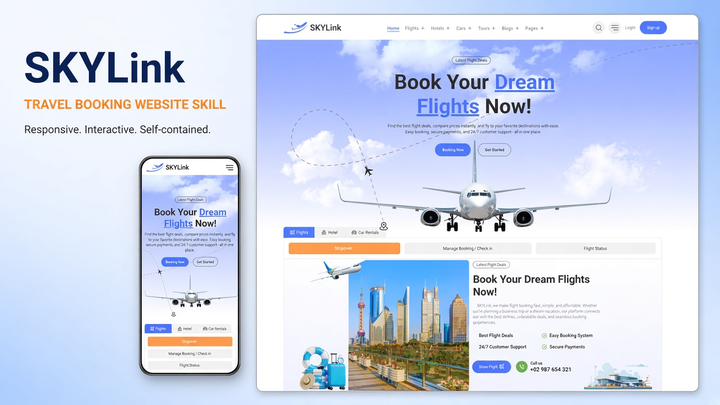
Web Design Skylink
By Maya Ellis
Web Design Skylink website-generation skill pack.
ServiceClaude · Cursor · Codex
Free
Built for the business you actually run
A small business website has a short list of jobs: say what you do, show where you do it, prove you are real, and make calling or booking effortless. The Skillux catalog's largest shelf is service businesses — trades, clinics, salons, studios, and local firms — and these packs give your coding agent layouts shaped for that work instead of a generic corporate template.
Last updated 2026-11-07
From the live Skillux catalog
52 matching skills. Check each listing for its contents and license.
By Maya Ellis
Web Design Skylink website-generation skill pack.
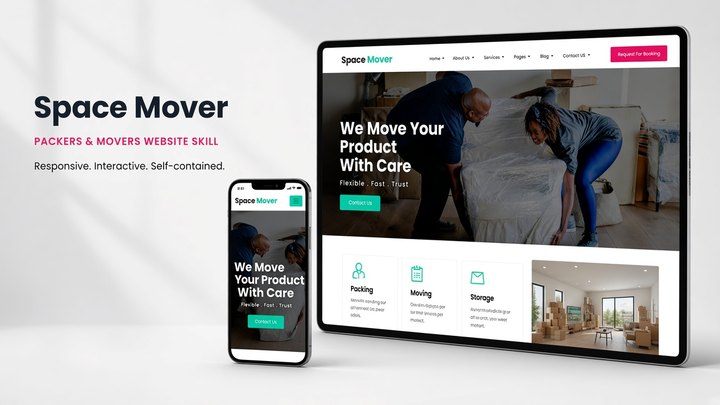
By Sam Rivera
Web Design Spacemover draft pack.
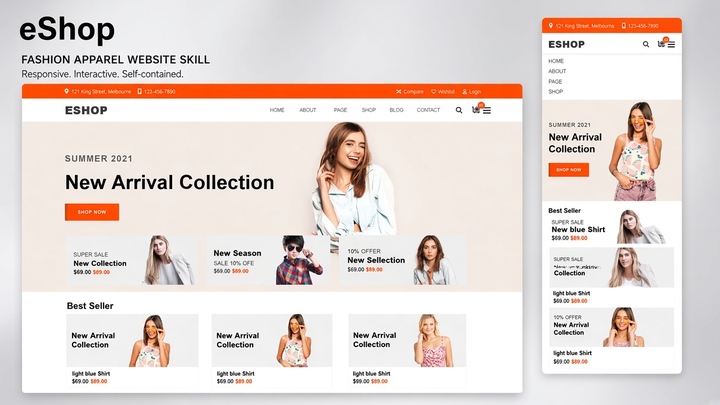
By Maya Ellis
Web Design Eshop website-generation skill pack.

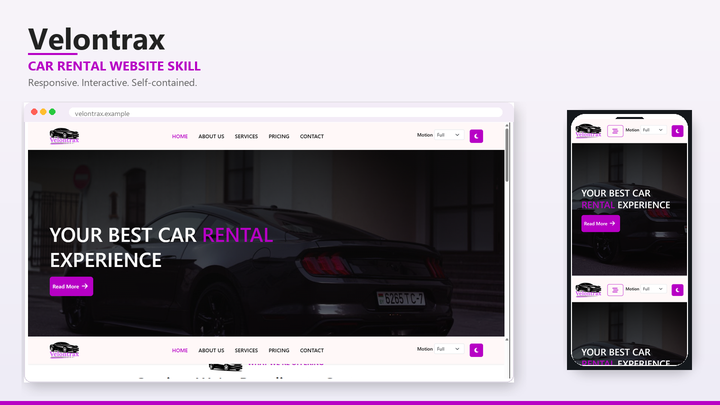
Put the skill to work
Most small business visitors arrive from local search on a phone, with one question: can you do this job, near me, soon? Choose a pack that keeps the primary contact action visible on a small screen and puts services, service area, and opening hours within the first scroll, not behind a menu.
A single 'services' paragraph hides the work customers actually search for. Prefer packs whose structure lets each service carry its own section or page — what it includes, who it is for, and how to book it — so the agent can build pages that match real searches instead of one blended overview.
Local customers choose the business that looks established: real photos of your work and premises, your actual opening hours, your coverage area, and genuine customer words when you have them. Use the pack's proof sections with your own material, and leave clearly marked placeholders rather than generated testimonials until real reviews exist.
You will change prices, hours, and services more often than you redesign. A good brief asks the agent to keep those details in obvious, editable places in the generated site, and a good pack keeps the layout robust when a service description gets longer or a photo is a different shape than the demo.
Start from the service-business selection below or browse the full shop. Compare each preview against your trade: a clinic, a salon, and a contractor need different first screens even though all three are service businesses.
Install the pack for Claude, Cursor, or Codex using the guide, then brief the agent with your services, service area, opening hours, phone and booking route, and real photos. These facts are the site; the pack is its structure.
Open the generated site on your own phone and try to book or call within ten seconds. Check the service pages, the coverage list, and long text at narrow width before you connect your domain.
Yes. Most packs in this selection are built for service businesses whose site exists to generate calls, bookings, and visits rather than checkout sales. The design work — services, coverage, proof, and contact — is exactly what those packs structure.
What you do and where, in the first screen; your main services with enough detail to choose between them; proof you are real, such as photos, credentials, and genuine reviews; opening hours; and one obvious way to call or book. Everything else is secondary to a visitor deciding whether to contact you.
Yes, within what the pack covers. Name your trade, your services, and your area in the brief, and the agent applies the pack's layout and design rules to that content. Check the listing's preview for a business shape close to yours; a pack designed for appointment-based services adapts differently from one built for emergency call-outs.
No. A design skill covers how the site looks and how its pages are structured. Booking systems, contact-form handling, and payments come from your own tools or services, which the generated site can link to or embed. Check what each listing includes so the boundary is clear before you start.